Introduction
The Saitek Pro Bridge 310 is a portable electronic device designed for individuals interested in playing and improving their contract bridge skills. This handheld unit features a push-button interface and an LCD screen, providing a streamlined experience for solo play. It includes functionalities such as automatic suit-following and offers various challenging deals. This manual provides essential information for setting up, operating, and maintaining your Pro Bridge 310.

Image: The Saitek Pro Bridge 310 device, presented in its original retail packaging, alongside a small instruction booklet and a score pad. This image illustrates the complete product package.
Setup
Battery Installation
The Pro Bridge 310 requires 4 AAA batteries for operation. To install the batteries:
- Locate the battery compartment on the back of the device.
- Open the battery compartment cover. No tools are required for this step.
- Insert four (4) AAA batteries, ensuring correct polarity (+/-) as indicated inside the compartment.
- Close the battery compartment cover securely.

Image: A close-up view of the open battery compartment on the Saitek Pro Bridge 310, clearly showing the four slots designed for AAA batteries and their spring contacts, indicating where batteries should be placed.
Initial Power On
After installing the batteries, press the ON/OFF button to power on the device. The LCD screen should illuminate, displaying the main menu or a new game setup.
Operating Instructions
Basic Gameplay
The Saitek Pro Bridge 310 allows you to play contract bridge against three computer opponents. The device manages card distribution and opponent play. Use the directional buttons and ENTER button to navigate menus and make selections.
Bidding Phase
- During the bidding phase, use the designated buttons to select your bid (e.g., NO TRUMP, CLUB, DIAMOND, HEART, SPADE).
- Press PASS to decline bidding.
- The device features automatic suit-following, simplifying the bidding process by reducing manual input.
Card Play
- Select the card you wish to play from your hand using the directional buttons.
- Confirm your selection by pressing ENTER.
- The device will automatically play the cards for the computer opponents.
- The HINT button can provide suggestions for your next move, which you can choose to accept or disregard.
Score Tracking
The Pro Bridge 310 keeps a running total of the score. You can reset the score to zero at any time using the appropriate menu option or button, typically labeled SCORE or RESET.
Features
- Automatic Suit-Following: Simplifies gameplay by automatically managing suit requirements.
- Challenging Deals: Provides a variety of bridge deals to enhance your playing experience.
- Multilingual Introduction: Includes an introduction to the game of contract bridge in multiple languages, beneficial for new and intermediate players.
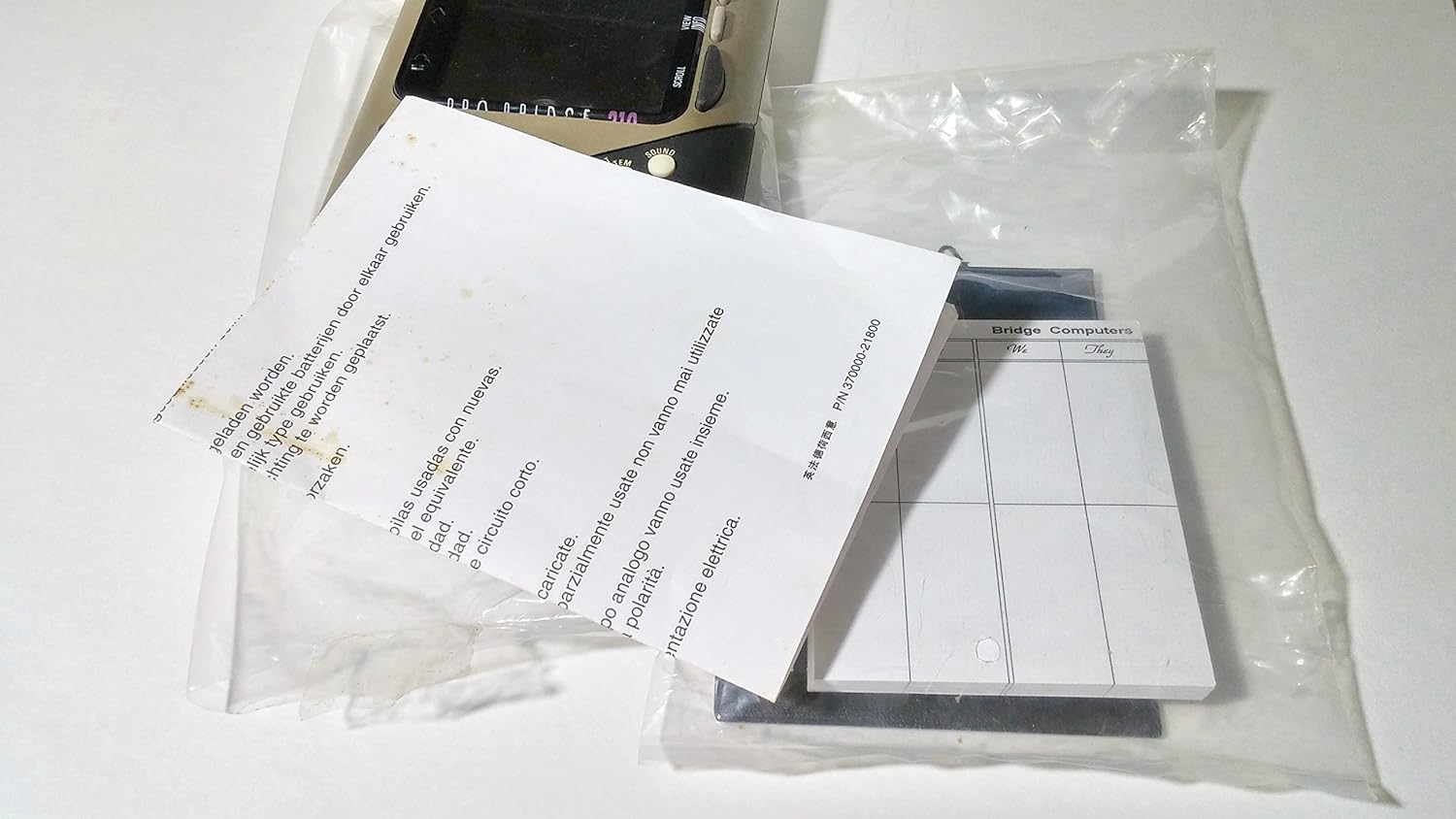
Image: Included accessories for the Saitek Pro Bridge 310, showing a multilingual instruction sheet and a score pad, typically found within the product packaging.
Maintenance
- Cleaning: Use a soft, dry cloth to clean the exterior of the device. Avoid abrasive cleaners or solvents.
- Storage: Store the device in a cool, dry place away from direct sunlight and extreme temperatures. Remove batteries if the device will not be used for an extended period to prevent leakage.
Troubleshooting
- Device does not power on or functions intermittently:
- Ensure batteries are correctly installed with proper polarity.
- Replace old batteries with new AAA batteries.
- If the issue persists, try resetting the device by removing and reinserting the batteries.
- Scoring errors or incorrect game logic:
- Verify that you are following the rules of contract bridge as understood by the device.
- If consistent errors occur, try resetting the device.
- Consult the included multilingual introduction for clarification on game rules and scoring.
- Buttons are difficult to press or unresponsive:
- Ensure the device is clean and free of debris around the buttons.
- Apply gentle, firm pressure. Note that some users have reported the buttons can be small.
Specifications
| Model: | Saitek Pro Bridge 310 |
| ASIN: | B000033K1F |
| Type of Item: | Electronic Game |
| Power Source: | 4 x AAA Batteries |
| Item Weight: | 1.3 pounds (approximately 0.59 kg) |
| Package Dimensions: | 12.5 x 9.7 x 1.9 inches (approximately 31.75 x 24.64 x 4.83 cm) |
| Date First Available: | December 20, 2008 |
Warranty and Support
For information regarding warranty coverage, technical support, or service, please refer to the documentation included with your product or contact Saitek customer support directly. Contact details are typically available on the manufacturer's official website or within the product packaging.