
Introduction
Welcome to the world of Mega Man! This manual provides comprehensive instructions for the Capcom Mega Man game, designed for use with Nintendo Game Boy systems. Prepare to embark on an adventure to stop the evil Dr. Wily and his robot masters from taking over the world. Master Mega Man's abilities, defeat powerful enemies, and restore peace.

Image: Front label of the Mega Man Game Boy cartridge. This image displays the game's title, "Mega Man," along with character artwork and official Nintendo licensing information.
Setup Instructions
To begin playing Mega Man on your Nintendo Game Boy system, follow these steps:
- Prepare Your Game Boy: Ensure your Game Boy system has fresh batteries installed and is powered off.
-
Insert the Game Cartridge: Hold the Mega Man game cartridge with the label facing upwards. Gently slide the cartridge into the Game Pak slot on the top of your Game Boy system until it clicks securely into place. Do not force the cartridge.

Image: Close-up view of the Game Boy cartridge's connector pins. These pins must be clean and properly aligned for the game to function correctly.
- Power On: Turn on your Game Boy system using the power switch. The game's title screen should appear.
- Adjust Volume and Contrast: Use the volume dial and contrast slider on your Game Boy to adjust the audio and display to your preference.
If the game does not start, power off your Game Boy, remove the cartridge, re-insert it firmly, and try again.
Operating Instructions (Gameplay)
Mega Man is a classic action-platformer. Your goal is to navigate through various stages, defeat Dr. Wily's robot masters, and ultimately confront Dr. Wily himself.
Basic Controls:
- Directional Pad (D-Pad): Move Mega Man left, right, up (to climb ladders), and down (to descend ladders or slide).
- A Button: Jump.
- B Button: Fire Mega Buster (primary weapon).
- START Button: Pause the game; access the weapon selection screen.
- SELECT Button: Not typically used for primary gameplay in this title, but may have specific functions in certain menus.
Gameplay Mechanics:
- Robot Masters: The game features four initial robot masters (Cut Man, Elec Man, Ice Man, Fire Man) from Mega Man 1, and four additional robot masters (Bubble Man, Flash Man, Heat Man, Quick Man) from Mega Man 2 in Dr. Wily's castle. Each robot master has a unique weapon that Mega Man can acquire upon their defeat.
- Weapon System: Each acquired weapon is effective against certain robot masters, following a "rock, paper, scissors" style weakness system. Experiment to discover which weapon works best against each boss. Weapons consume weapon energy, which can be refilled by picking up energy capsules dropped by defeated enemies.
- Health and Lives: Mega Man has a health bar that depletes when he takes damage. Collect health capsules to restore health. Losing all health or falling into a bottomless pit results in losing a life. The game ends when all lives are lost.
- Passwords: The game includes a password system to save your progress. After defeating a robot master, a password will be displayed, allowing you to resume your game later from that point.
Maintenance
Proper care of your Mega Man Game Boy cartridge will ensure its longevity and reliable performance.
- Storage: Store the cartridge in its original case or a protective sleeve when not in use to prevent dust and scratches. Keep it away from direct sunlight, extreme temperatures, and high humidity.
-
Cleaning: If the game is not functioning correctly, the connector pins may be dirty. Gently clean the gold connector pins on the bottom of the cartridge using a cotton swab lightly dampened with isopropyl alcohol. Allow the pins to dry completely before re-inserting the cartridge into your Game Boy.
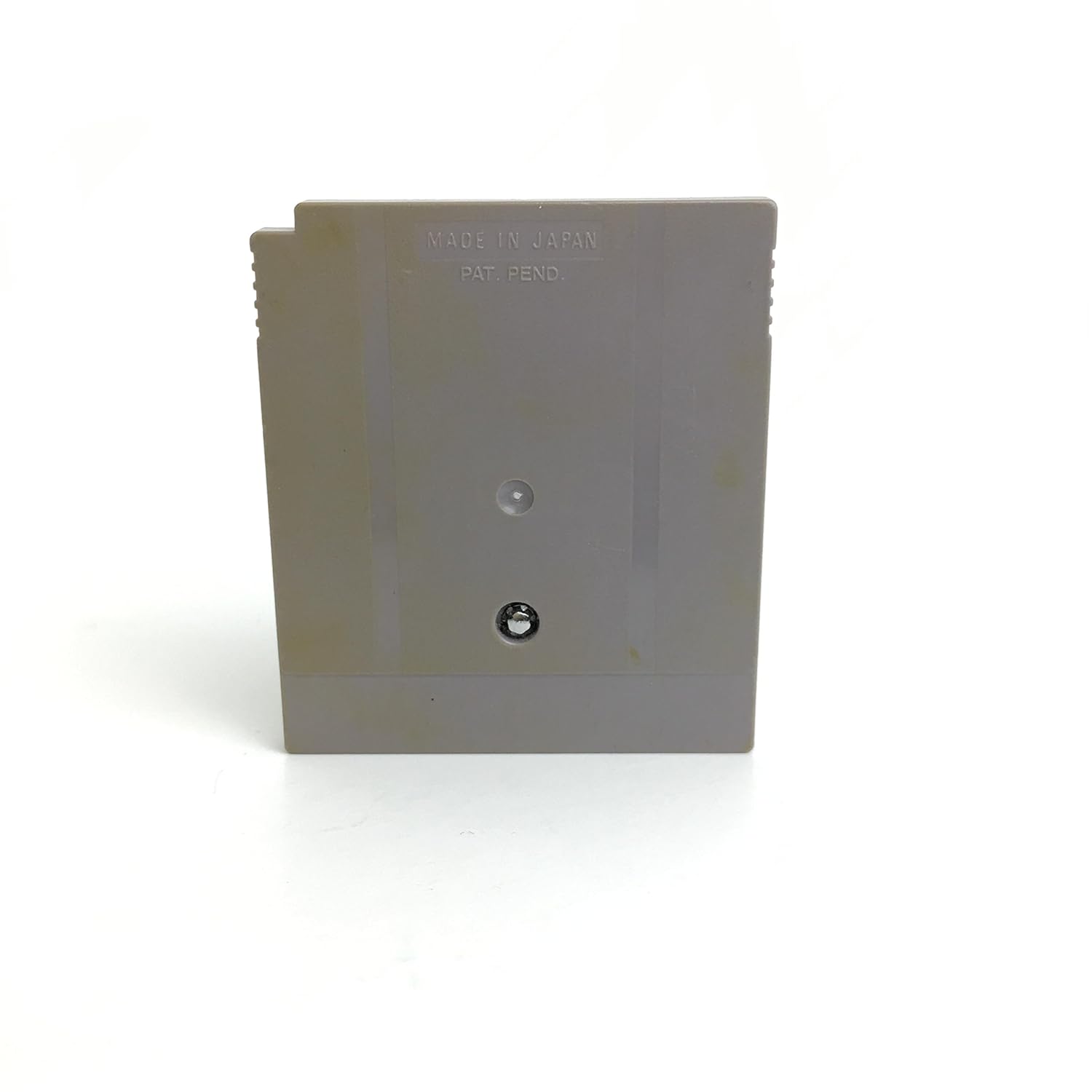
Image: Rear view of the Mega Man Game Boy cartridge, showing the "MADE IN JAPAN" and "PAT. PEND." markings. Proper handling and storage are crucial for preserving the cartridge's condition.
- Handling: Always handle the cartridge by its edges. Avoid touching the connector pins directly, as oils and dirt from your fingers can interfere with connectivity.
Troubleshooting
If you encounter issues while playing Mega Man, try the following solutions:
| Problem | Solution |
|---|---|
| Game does not start or displays garbled graphics. |
|
| Game freezes during play. |
|
| Sound issues (no sound or distorted sound). |
|
Specifications
- Product Title: Mega Man
- ASIN: B00002SVF6
- Platform: Nintendo Game Boy (Compatible with Game Boy Color, Game Boy Advance)
- Developer/Publisher: Capcom
- Release Date: 1991 (Original Game Boy release)
- Rated: Kids to Adults
- Product Dimensions: Approximately 7 x 1 x 8 inches (packaging dimensions)
- Item Weight: Approximately 0.01 ounces (cartridge weight)
- First Available: January 1, 2000 (Amazon listing date)
Warranty Information
As a vintage video game cartridge, the Capcom Mega Man Game Boy game typically does not come with a manufacturer's warranty from Capcom or Nintendo for new purchases. For pre-owned items, any warranty or return policy would be provided by the reseller at the time of purchase. Please consult your retailer for specific return or exchange policies.
Customer Support
For general inquiries regarding the Mega Man game or classic Nintendo Game Boy systems, you may find resources through:
- Capcom Official Website: Visit www.capcom.com for information on their game titles.
- Nintendo Official Website: Visit www.nintendo.com for information on their hardware and legacy systems.
- Online Communities: Many online communities and forums are dedicated to classic video games and can provide assistance with gameplay tips or technical issues for vintage hardware.
Please note that direct manufacturer support for products of this age may be limited.


