
1. Introduction to the Guide
This guide, "Use LibreOffice Calc: A Beginners Guide," is designed to introduce new users to the powerful spreadsheet capabilities of LibreOffice Calc. It aims to transform a novice into a competent user capable of performing essential spreadsheet tasks without the cost associated with commercial software. The book covers fundamental operations from initial setup to advanced analysis and chart creation.
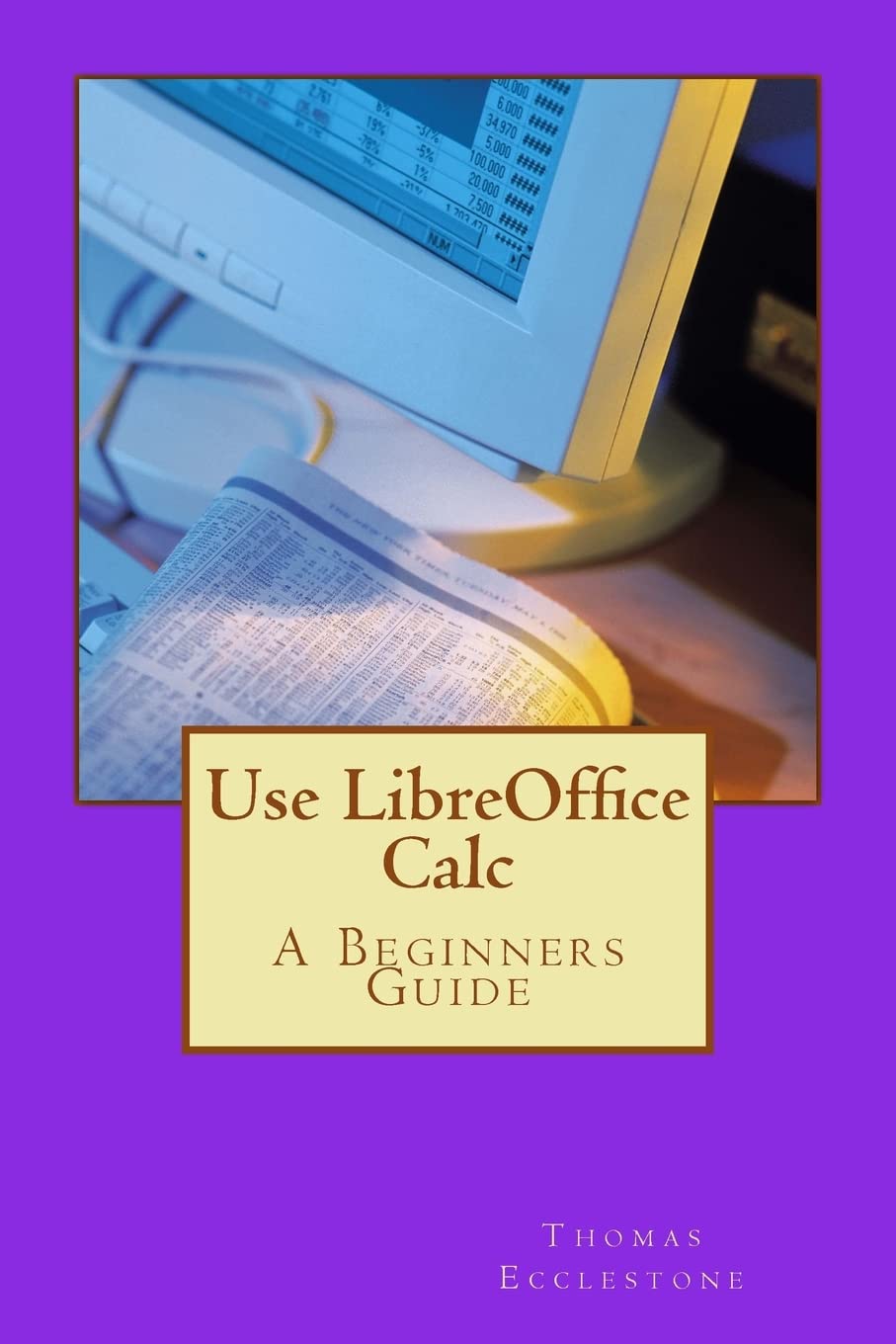
Image 1.1: The cover of "Use LibreOffice Calc: A Beginners Guide" by Mr Thomas Ecclestone. This image displays the title and author, providing a visual reference for the instructional material.
2. Getting Started with the Guide
To maximize your learning experience with this book, it is recommended to have LibreOffice Calc installed on your computer. The guide is structured to take you through a step-by-step learning process. Begin by familiarizing yourself with the basic interface and navigation as presented in the initial chapters. Practice each exercise as you read to reinforce understanding.
2.1. Software Installation
While this book does not detail the installation of LibreOffice, it assumes the software is accessible. LibreOffice can be downloaded free of charge from the official LibreOffice website: www.libreoffice.org/download/. Follow the instructions provided on their website for your specific operating system.
3. Core Concepts Covered
This guide systematically introduces you to the fundamental and intermediate features of LibreOffice Calc. Key areas of focus include:
- Spreadsheet Basics: Understanding cells, rows, columns, and worksheets.
- Data Entry and Formatting: Inputting various data types and applying formatting for clarity.
- Formulas and Functions: Creating calculations, using built-in functions, and understanding cell references.
- Data Analysis: Utilizing tools for sorting, filtering, and basic data manipulation.
- Chart Creation: Generating various types of charts to visualize data effectively.
- Printing and Exporting: Preparing your spreadsheets for print or export to other formats.
4. Practical Application and Best Practices
The book emphasizes practical application. As you progress, consider applying the learned techniques to your own data or creating small projects. This hands-on approach is crucial for developing proficiency. Always save your work frequently and consider implementing a backup strategy for important spreadsheets.
4.1. File Management
Regularly save your Calc files (typically with a .ods extension). It is good practice to create descriptive file names and organize your spreadsheets in logical folders. Consider cloud storage or external drives for backups.
5. Addressing Learning Challenges
Learning new software can present challenges. If you encounter difficulties while following the guide:
- Re-read Sections: Sometimes a second reading clarifies concepts.
- Practice: Repeat exercises until the steps become intuitive.
- Experiment: Try modifying examples to see how changes affect the outcome.
- Consult LibreOffice Help: LibreOffice Calc includes a comprehensive help system accessible directly from the software.
6. Book Specifications
| Title | Use LibreOffice Calc: A Beginners Guide |
| Author | Mr Thomas Ecclestone |
| Publisher | CreateSpace Independent Publishing Platform |
| Publication Date | January 12, 2015 |
| Language | English |
| Print Length | 148 pages |
| ISBN-10 | 1507504225 |
| ISBN-13 | 978-1507504222 |
| Item Weight | 8 ounces |
| Dimensions | 6 x 0.34 x 9 inches |
7. Further Resources and Support
For support related to the LibreOffice Calc software itself, as it is an open-source project, assistance is primarily community-driven. The official LibreOffice website offers extensive resources:
- Official Website: www.libreoffice.org
- Documentation: Access user guides, FAQs, and tutorials at documentation.libreoffice.org
- Community Forum: Engage with other users and seek help at ask.libreoffice.org
This book serves as an introductory guide; for advanced topics or specific technical issues, the official LibreOffice resources are invaluable.