
Introduction
This official study guide is designed to help individuals prepare for the Microsoft Office Specialist: Microsoft Excel Expert (Excel and Excel 2019) certification exam, MO-201. It provides comprehensive preparation materials to demonstrate expert-level competency with Microsoft Excel.
The guide focuses on building the skills measured by the exam through in-depth explanations, detailed procedures, and hands-on practice tasks.
Key Exam Objectives
The content of this study guide is structured around the following core objectives for the MO-201 exam:
- Manage Workbook Options and Settings: Learn to configure workbook properties, protect workbooks, and manage workbook views.
- Manage and Format Data: Master advanced data management techniques, including data validation, conditional formatting, and data consolidation.
- Create Advanced Formulas and Macros: Develop proficiency in complex formulas, array formulas, and automating tasks with macros.
- Manage Advanced Charts and Tables: Explore advanced charting options, pivot tables, and pivot charts for data analysis and presentation.
Using This Study Guide
To maximize your learning and preparation for the MO-201 exam, follow these recommendations:
- Review Objectives: Begin each section by understanding the specific exam objectives it covers.
- Follow Procedures: Carefully read and execute the detailed step-by-step procedures provided.
- Complete Hands-on Tasks: Apply what you've learned by performing the hands-on tasks. These are crucial for practical skill development.
- Utilize Practice Files: Download the ready-made practice files to work through the exercises. These files are essential for replicating the scenarios described in the guide.
Accessing Practice Files: The necessary practice files for this study guide are available for download from the publisher's website. Visit MicrosoftPressStore.com/MOSExcelExpert201/downloads to obtain them. Ensure you download the correct set of files corresponding to this MO-201 guide.
MOS: Expert Certification Overview
A Microsoft Office Specialist (MOS): Expert certification validates hands-on experience and competency with an Office product at an expert level. This credential demonstrates the ability to apply the product's principal features at an advanced level, complete expert tasks independently, and readiness for the job market.
For full details regarding the MOS: Expert certification program, please visit the official Microsoft learning platform: microsoft.com/learn.
Product Specifications
| Publisher | Microsoft Press |
| Publication Date | March 12, 2020 |
| Edition | 1st |
| Language | English |
| Print Length | 192 pages |
| ISBN-10 | 0136627528 |
| ISBN-13 | 978-0136627524 |
| Item Weight | 2.31 pounds |
| Dimensions | 7.35 x 0.9 x 9 inches |
About the Author
Paul McFedries is a recognized Microsoft Office expert and owner of Logophilia Limited, a technical writing company. He has authored nearly 100 books, including "Microsoft Excel 2019 Formulas and Functions," with his works collectively selling over 4 million copies worldwide.
Visual Aids
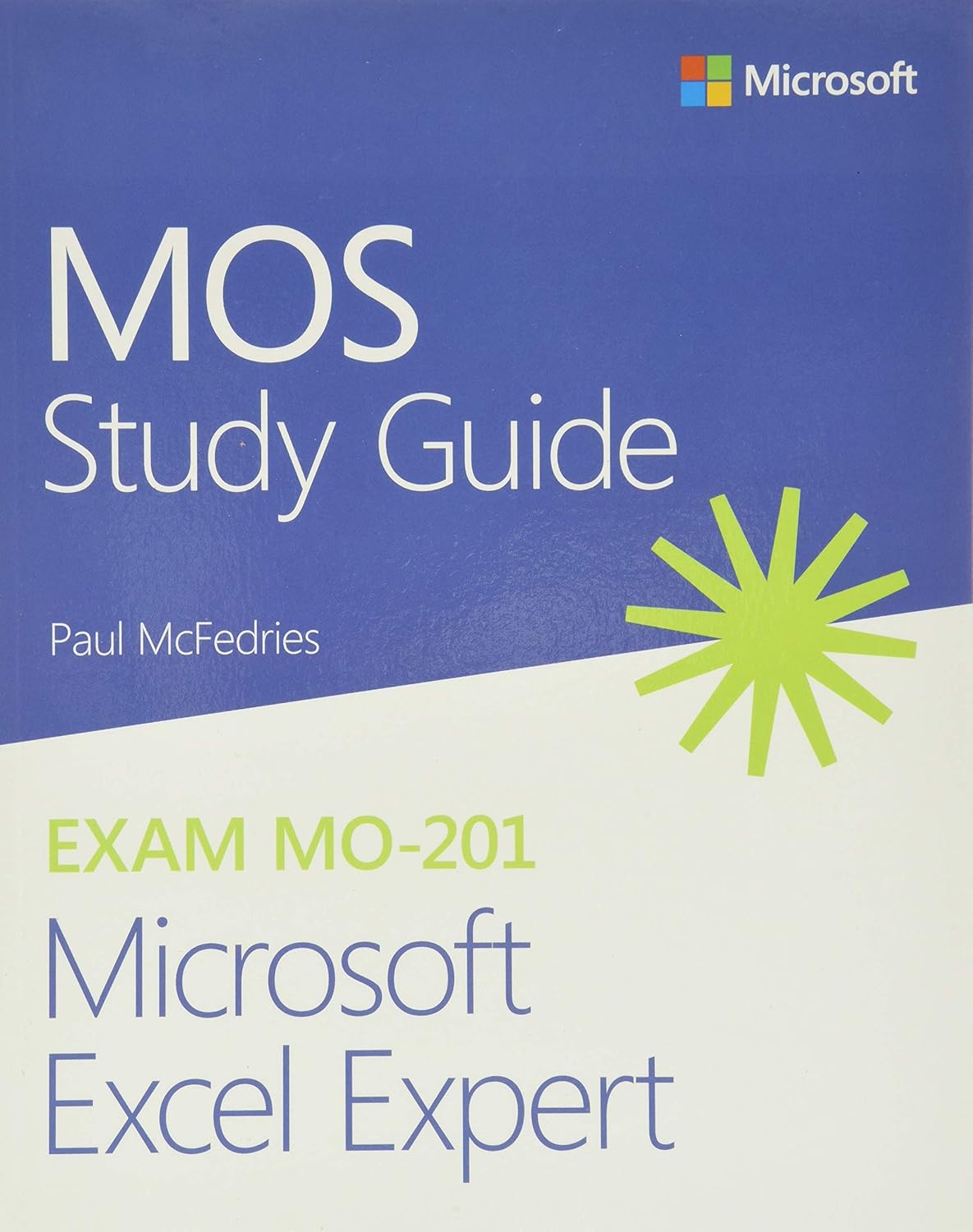
Figure 1: Front cover of the MOS Study Guide for Microsoft Excel Expert Exam MO-201. The cover features the Microsoft logo, the title "MOS Study Guide," author Paul McFedries, and "EXAM MO-201 Microsoft Excel Expert" with a green starburst graphic.

Figure 2: Back cover of the MOS Study Guide. It provides a summary of the book's benefits, key objectives covered, information about the MOS Expert Certification, and details on where to find practice files and author information. ISBN-13: 978-0136627524 is visible.

Figure 3: Angled view of the MOS Study Guide, showing the front cover and the spine. This perspective highlights the physical book format.
Additional Resources
- Microsoft Learn: For general information on Microsoft certifications and learning paths, visit microsoft.com/learn.
- Microsoft Press Store: For updates, errata, and additional resources related to this and other Microsoft Press titles, visit MicrosoftPressStore.com.