
1. انتهى المنتجview
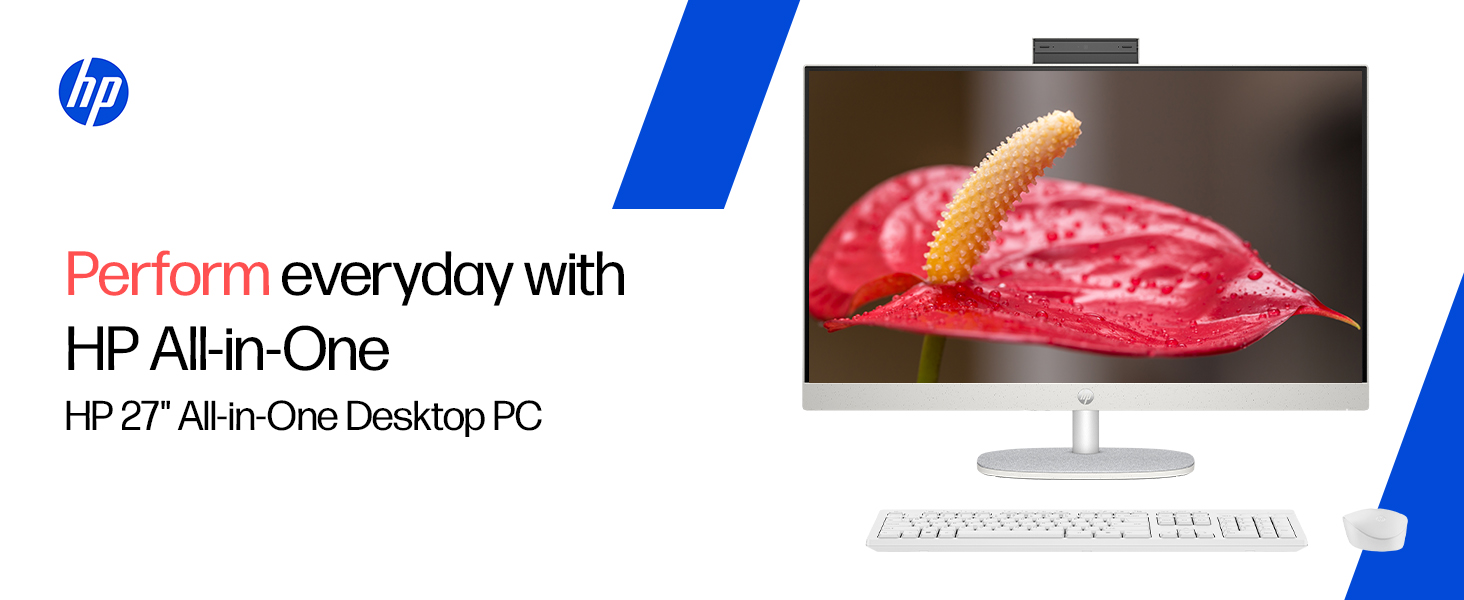
The HP All-in-One PC models 27-cr0902in and 27-cr0906in are designed for everyday computing tasks, offering a blend of performance and display quality. This manual provides essential information for setting up, operating, maintaining, and troubleshooting your device.
الميزات الرئيسية
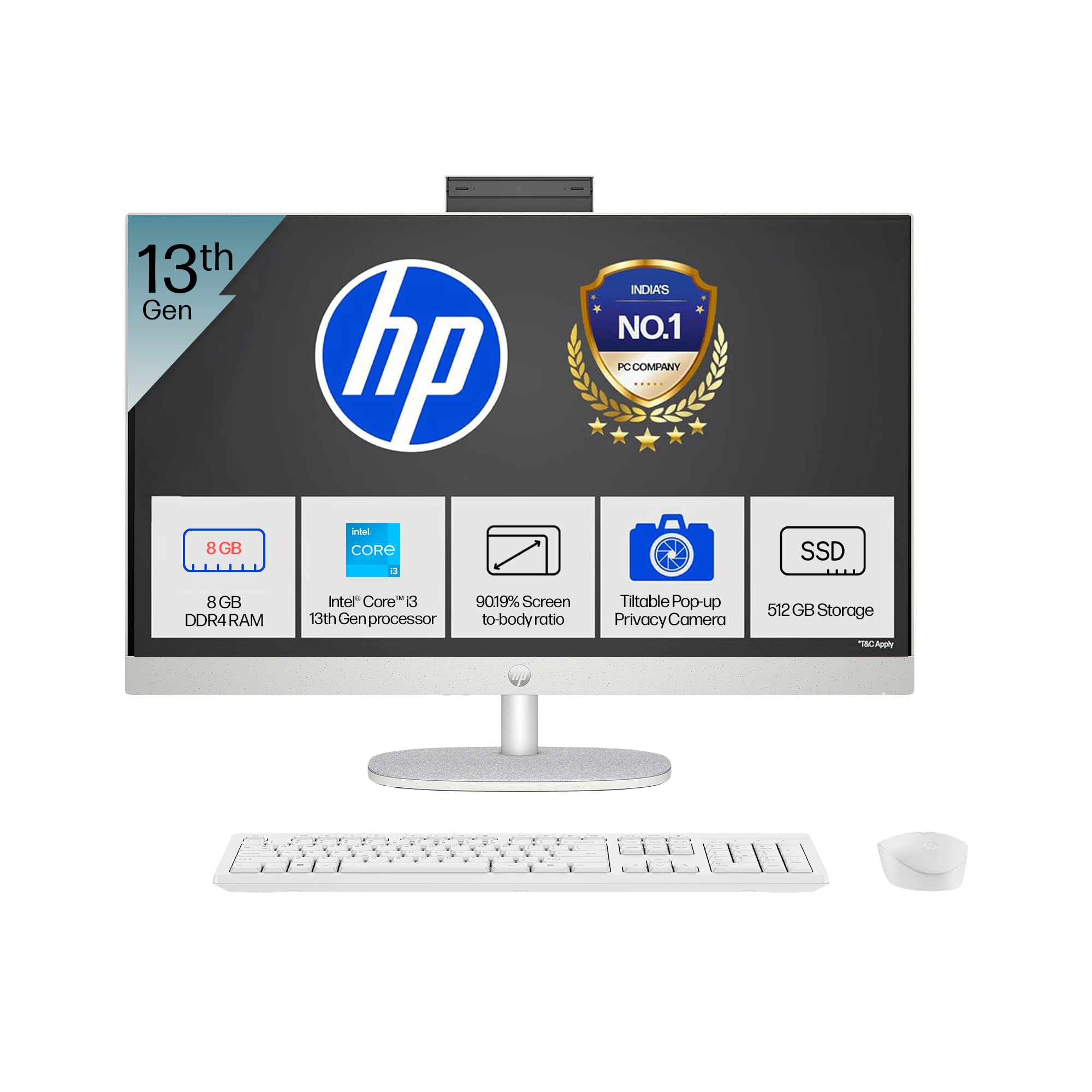
- المعالج: Intel Core i3-1315U (up to 4.5 GHz with Intel Turbo Boost Technology, 6 cores, 8 threads)
- ذاكرة: 8 GB DDR4-3200 MT/s RAM
- تخزين: قرص SSD PCIe NVMe M.2 بسعة 512 جيجابايت
- عرض: 27-inch (68.6 cm) diagonal, FHD (1920 x 1080), touch, IPS, three-sided microedge, anti-glare, 300 nits, 99% sRGB
- الرسومات: بطاقة رسومات Intel UHD مدمجة
- نظام التشغيل: Windows 11 Home Single Language في وضع S.
- آلة تصوير: HP True Vision 1080p FHD IR tilt privacy camera with temporal noise reduction and integrated dual array digital microphones
- الاتصال: Wi-Fi 6 (2x2), Bluetooth 5.3, 1 USB Type-C 5Gbps, 2 USB Type-A 5Gbps, 2 USB 2.0 Type-A, 1 headphone/microphone combo, 1 RJ-45
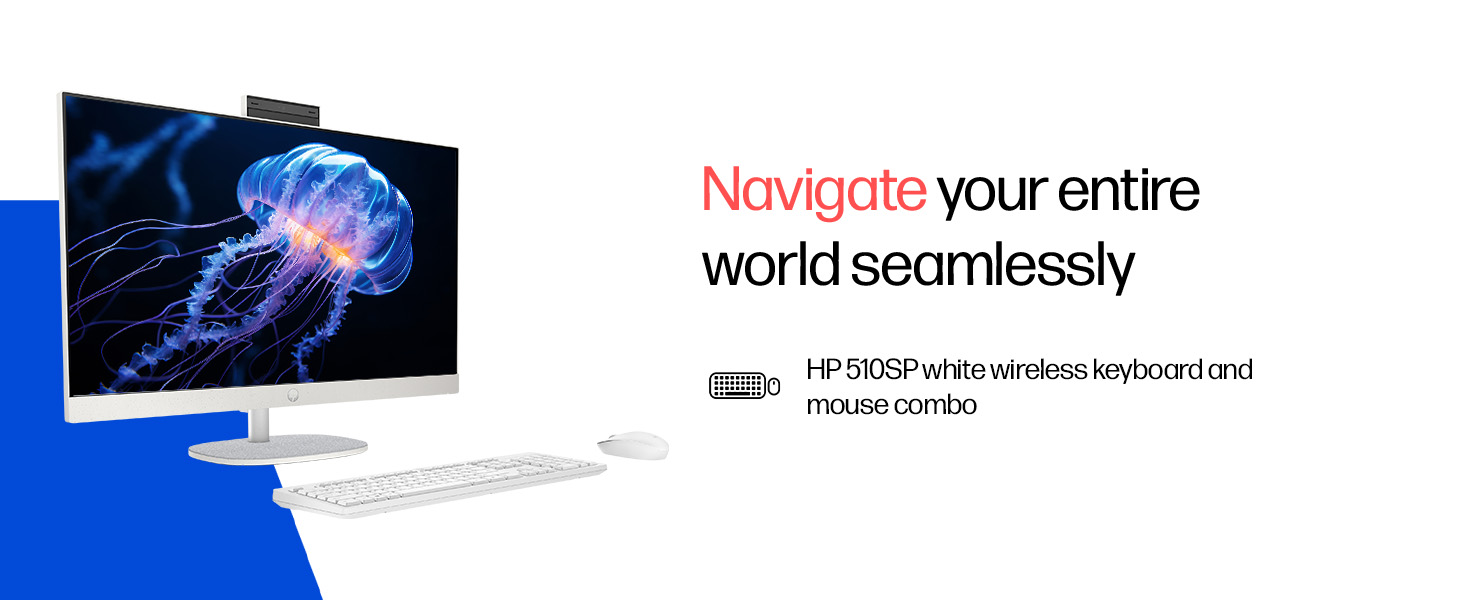
- Included Peripherals: HP 510SP White Wireless Keyboard and Mouse Combo
2. دليل الإعداد
Follow these steps to set up your HP All-in-One PC.
2.1 تفريغ الصندوق
أزل جميع المكونات من العبوة بعناية. تأكد من وجود العناصر التالية:
- HP All-in-One PC unit
- محول الطاقة والكابل
- HP 510SP White Wireless Keyboard
- HP 510SP White Wireless Mouse
- التوثيق (هذا الدليل، معلومات الضمان)
2.2 توصيل الأجهزة الطرفية
- ربط لوحة المفاتيح والماوس: Insert the USB receiver for the wireless keyboard and mouse into an available USB port on the back of the All-in-One PC. Ensure batteries are installed in both the keyboard and mouse.
- توصيل الطاقة: Connect the power adapter to the power input port on the back of the All-in-One PC, then plug the power cable into a wall outlet.
- التوصيلات الاختيارية:
- الأجهزة الخارجية: Connect any external USB devices (e.g., external hard drives, printers) to the available USB ports.
- كابل الشبكة: If using a wired network connection, connect an Ethernet cable to the RJ-45 port.

2.3 التشغيل المبدئي
Press the power button, usually located on the side or back of the display. The PC will boot up, and you will be guided through the Windows 11 setup process. Follow the on-screen instructions to configure your operating system, network, and user accounts.
3. تعليمات التشغيل
3.1 تشغيل/إيقاف التشغيل ووضع السكون
- تشغيل الطاقة: اضغط على زر الطاقة.
- اغلق: انقر فوق زر البدء في نظام التشغيل Windows، ثم حدد الطاقة > إيقاف التشغيل.
- إعادة تشغيل: انقر فوق زر البدء في نظام التشغيل Windows، ثم حدد الطاقة > إعادة التشغيل.
- ينام: Click the Start button in Windows, then select Power > Sleep. You can also configure power settings in Windows to automatically enter sleep mode after a period of inactivity.
3.2 استخدام شاشة اللمس
Your HP All-in-One PC features a touch-enabled display. You can interact with the operating system and applications using touch gestures similar to a tablet or smartphone. Common gestures include tapping, swiping, pinching to zoom, and stretching to zoom out.
3.3 Using the HP True Vision Camera
The integrated HP True Vision 1080p FHD IR tilt privacy camera is suitable for video calls and facial recognition login (Windows Hello). The camera can be tilted for optimal viewing angles and includes a privacy shutter for security. To use the camera, open an application that requires camera access (e.g., Camera app, video conferencing software).
3.4 Audio and Microphones
The PC includes integrated dual 2W speakers and dual array digital microphones with temporal noise reduction for clear audio input during calls or recordings. You can adjust volume settings through the Windows sound controls.
4. الصيانة
Proper maintenance ensures the longevity and optimal performance of your HP All-in-One PC.
4.1 تنظيف الجهاز
- عرض: استخدم قطعة قماش ناعمة وخالية من الوبر وامسحها برفق.ampيُنظف بالماء أو بمحلول تنظيف الشاشات. تجنب استخدام المواد الكيميائية القاسية أو المواد الكاشطة.
- الشاسيه: امسح الأسطح الخارجية بقطعة قماش ناعمة وجافة.
- لوحة المفاتيح والفأرة: Use a soft brush or compressed air to remove dust and debris.
- قم دائمًا بإيقاف تشغيل الكمبيوتر وفصله عن التيار الكهربائي قبل التنظيف.
4.2 تحديثات البرامج
Regularly check for and install Windows updates and HP driver updates to ensure system stability, security, and performance. You can find Windows updates in the Settings app under "Windows Update." HP drivers can be found on the official HP support webموقع.
4.3 النسخ الاحتياطي للنظام
يوصى بعمل نسخ احتياطية منتظمة لبياناتك المهمة على محرك أقراص خارجي أو تخزين سحابي لمنع فقدان البيانات.
5. استكشاف الأخطاء وإصلاحها
يتناول هذا القسم المشكلات الشائعة التي قد تواجهها مع جهاز الكمبيوتر المتكامل HP الخاص بك.
5.1 No Power / System Not Turning On
- تأكد من توصيل كابل الطاقة بشكل آمن بكل من جهاز الكمبيوتر ومأخذ الحائط.
- تأكد من أن مقبس الحائط يعمل عن طريق توصيل جهاز آخر.
- حاول استخدام منفذ طاقة مختلف.
5.2 مشاكل العرض
- لا توجد صورة على الشاشة: Ensure the PC is powered on. If connected to an external monitor, check the input source on the monitor.
- صورة متقطعة أو مشوهة: Update graphics drivers. If the issue persists, contact support.
- شاشة اللمس لا تستجيب: Restart the PC. Ensure there are no obstructions on the screen. Check for driver updates for the touch display.
5.3 System Performance Issues (Slowdown, Hanging)
- أغلق التطبيقات غير الضرورية التي تعمل في الخلفية.
- تحقق من مدير المهام (Ctrl+Shift+Esc) بحثًا عن العمليات التي تستهلك موارد عالية من وحدة المعالجة المركزية أو الذاكرة أو القرص.
- تأكد من أن نظام التشغيل وبرامج التشغيل لديك محدثة.
- قم بإجراء فحص كامل للنظام بحثًا عن البرامج الضارة أو الفيروسات.
- Consider freeing up disk space on your SSD.
5.4 Peripheral Connectivity Problems (Keyboard/Mouse)
- تأكد من توصيل جهاز استقبال USB بمنفذ USB بشكل آمن.
- تحقق من بطاريات لوحة المفاتيح والماوس اللاسلكيين واستبدلها إذا لزم الأمر.
- حاول توصيل مستقبل USB بمنفذ USB مختلف.
- أعد تشغيل الكمبيوتر.
6. المواصفات الفنية
Detailed specifications for the HP All-in-One PC 27-cr0902in/cr0906in.
| ميزة | التفاصيل |
|---|---|
| ماركة | HP |
| أرقام الطراز | 27-cr0902in, 27-cr0906in |
| المعالج | معالج Intel Core i3-1315U (بتردد يصل إلى 4.5 جيجاهرتز، 6 أنوية، 8 خيطًا، وذاكرة تخزين مؤقتة من المستوى الثالث بسعة 10 ميجابايت) |
| نظام التشغيل | Windows 11 Home Single Language في وضع S. |
| الذاكرة (RAM) | 8 جيجابايت DDR4-3200 ميجاهرتز (1 × 8 جيجابايت) |
| تخزين | قرص SSD PCIe NVMe M.2 بسعة 512 جيجابايت |
| عرض | 27-inch (68.6 cm) FHD (1920 x 1080) IPS, touch, anti-glare, 300 nits, 99% sRGB |
| الرسومات | رسومات Intel UHD (متكاملة) |
| آلة تصوير | HP True Vision 1080p FHD IR tilt privacy camera with temporal noise reduction |
| صوتي | Integrated dual array digital microphones, Dual 2W speakers |
| الاتصال اللاسلكي | Realtek RTL8852BE Wi-Fi 6 (2x2), Bluetooth 5.3 |
| الموانئ | 1 USB Type-C 5Gbps, 2 USB Type-A 5Gbps, 2 USB 2.0 Type-A, 1 headphone/microphone combo, 1 RJ-45 |
| لوحة المفاتيح والفأرة | HP 510SP White Wireless Keyboard and Mouse Combo |
| الأبعاد (العرض × العمق × الارتفاع) | 61.2 x 18.6 x 44.1 cm (24.11 x 7.33 x 17.36 inches) |
| وزن | 6.42 كجم |
| لون | Shell White |
| الشهادات البيئية | EPEAT Gold Registered, ENERGY STAR certified |
7. الضمان والدعم
7.1 معلومات الضمان
Your HP All-in-One PC comes with a ضمان الشركة المصنعة لمدة سنة واحدة on the device from the date of purchase. Please retain your purchase receipt for warranty claims.
7.2 الدعم الفني
For any technical or product-related queries, please contact HP customer support:
- أرقام مجانية: 1800-258-7170 or 1860-258-3079
- جهة اتصال الشركة المصنعة: HP India Sales Pvt. Ltd.
- للتواصل مع المستورد: HP India Sales Private Limited, No. 24, Kothari Arena, Hosur Main Road, Adugodi, Bangalore, Karnataka, India, 560030
يمكنك أيضًا زيارة موقع دعم HP الرسمي website for drivers, documentation, and further assistance.