1. المقدمة
This manual provides essential instructions for setting up, operating, maintaining, and troubleshooting your SAMSUNG QN85QN70FAFXZA 85-inch Neo QLED 4K Smart TV. Please read this manual thoroughly before using your television to ensure safe and correct operation.
The SAMSUNG QN85QN70FAFXZA features an 85-inch Neo QLED display, 4K resolution, the NQ4 AI Gen2 Processor, Quantum Matrix Technology Slim, and Dolby Atmos audio for an immersive viewتجربة رائعة.
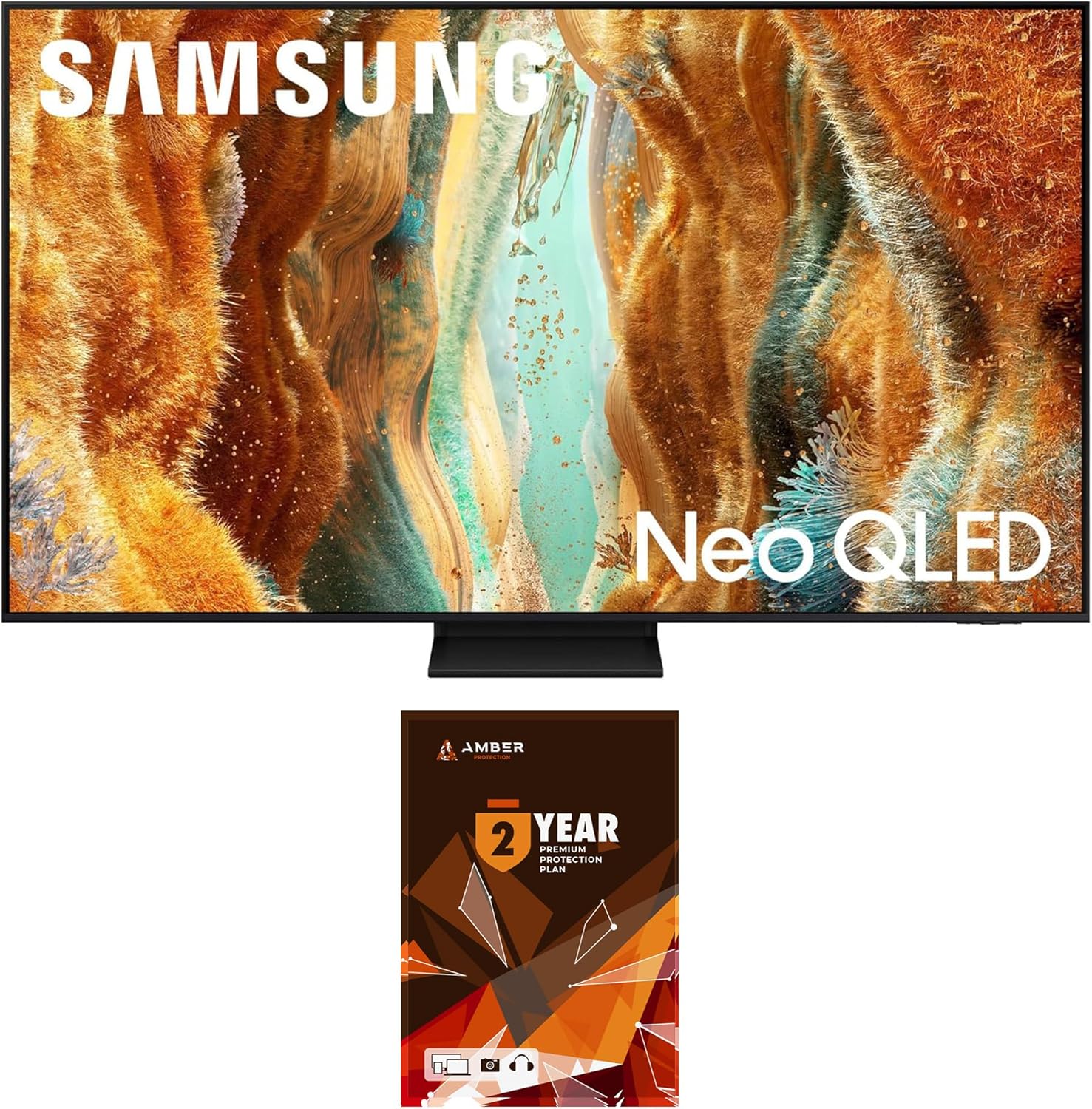
الصورة 1.1: الجبهة view of the SAMSUNG QN85QN70FAFXZA 85-inch Neo QLED 4K Smart TV.
2. الإعداد
2.1 فك التعبئة
Carefully remove the television and all accessories from the packaging. It is recommended to retain the original packaging for future transport or service needs. Ensure all components listed in the packing guide are present.
2.2 التثبيت المادي
The television weighs approximately 91.9 pounds (41.7 kg) and has dimensions of 74.9"W x 45"H x 14.4"D (with stand). Due to its size and weight, two or more people are recommended for safe handling and installation.
2.2.1 تركيب الحامل
Follow the instructions provided in the separate stand assembly guide to attach the stand securely to the television. Place the television on a stable, level surface.
2.2.2 التثبيت على الحائط
If wall-mounting, use a VESA-compliant wall mount kit (600mm x 400mm). Consult a professional for wall mount installation to ensure safety and proper mounting.

الصورة 2.1: الجانب المحترفfile of the television, illustrating its slim design.
2.3 توصيل الأجهزة الخارجية
Connect your external devices to the appropriate ports on the back of the television. Ensure the television is powered off before making any connections.
- منافذ HDMI (x4): Connect Blu-ray players, game consoles, set-top boxes, and other HDMI-compatible devices. HDMI 3 supports eARC for enhanced audio return channel functionality.
- منافذ USB (x2): قم بتوصيل أجهزة تخزين USB لتشغيل الوسائط أو تحديثات البرامج.
- منفذ LAN: قم بتوصيل كابل إيثرنت للحصول على اتصال إنترنت سلكي.
- النمل في: قم بتوصيل هوائي أو كابل تلفزيون الكابل المحوري.

الصورة 2.2: خلفي view of the television showing various input/output ports.
2.4 التشغيل المبدئي
After connecting all necessary cables, plug the power cord into an electrical outlet. Press the power button on the remote control or on the television itself to turn it on. Follow the on-screen instructions for initial setup, including language selection, network connection, and channel scanning.
3. تشغيل التلفزيون
3.1 الوظائف الأساسية
- تشغيل/إيقاف التشغيل: استخدم زر الطاقة الموجود في جهاز التحكم عن بعد أو التلفزيون.
- مصدر الإدخال: Press the 'Source' button on the remote to select between connected devices (HDMI 1, HDMI 2, TV, etc.).
- التحكم في مستوى الصوت: استخدم أزرار رفع/خفض الصوت.
- اختيار القناة: Use the channel up/down buttons or the number pad.
3.2 Smart TV Features (One UI Tizen)
Your SAMSUNG TV runs on the One UI Tizen operating system, providing access to a wide range of smart features and applications. Supported internet services include Netflix, Prime Video, Disney+, Hulu, Apple TV, YouTube, HBO Max, Peacock, Sling, and more.
- الشاشة الرئيسية: يمكنك الوصول إلى التطبيقات والأجهزة المتصلة والإعدادات من الشاشة الرئيسية القابلة للتخصيص.
- متجر التطبيقات: تنزيل وتثبيت التطبيقات الإضافية.
- Web المتصفح: تصفح الإنترنت مباشرة على التلفزيون الخاص بك.
3.3 إعدادات الصورة
The NQ4 AI Gen2 Processor and Quantum Matrix Technology Slim enhance picture quality. Adjust settings to optimize your viewتجربة رائعة.
- معالج NQ4 AI Gen2: Advanced AI processing for enhanced 4K clarity and upscaling.
- تقنية المصفوفة الكمومية النحيفة: Utilizes Mini LED lighting for precise light control and enhanced detail.
- تحسين جودة الصورة إلى 4K AI: يعمل تلقائيًا على تحسين المحتوى ذي الدقة المنخفضة ليصبح بجودة قريبة من دقة 4K.
- تقنية نيو كوانتوم HDR: Provides a wide range of brightness and contrast.
- Motion 144Hz / Refresh Rate 120Hz (Up to 144Hz): Ensures smooth motion for fast-paced content and gaming.
- Adaptive Picture AI Optimized / AI Customization: Adjusts picture settings based on ambient light and content.

Image 3.1: Diagram illustrating the NQ4 AI Gen2 Processor.

Image 3.2: Illustration of Quantum Matrix Technology Slim with Mini LED lighting.
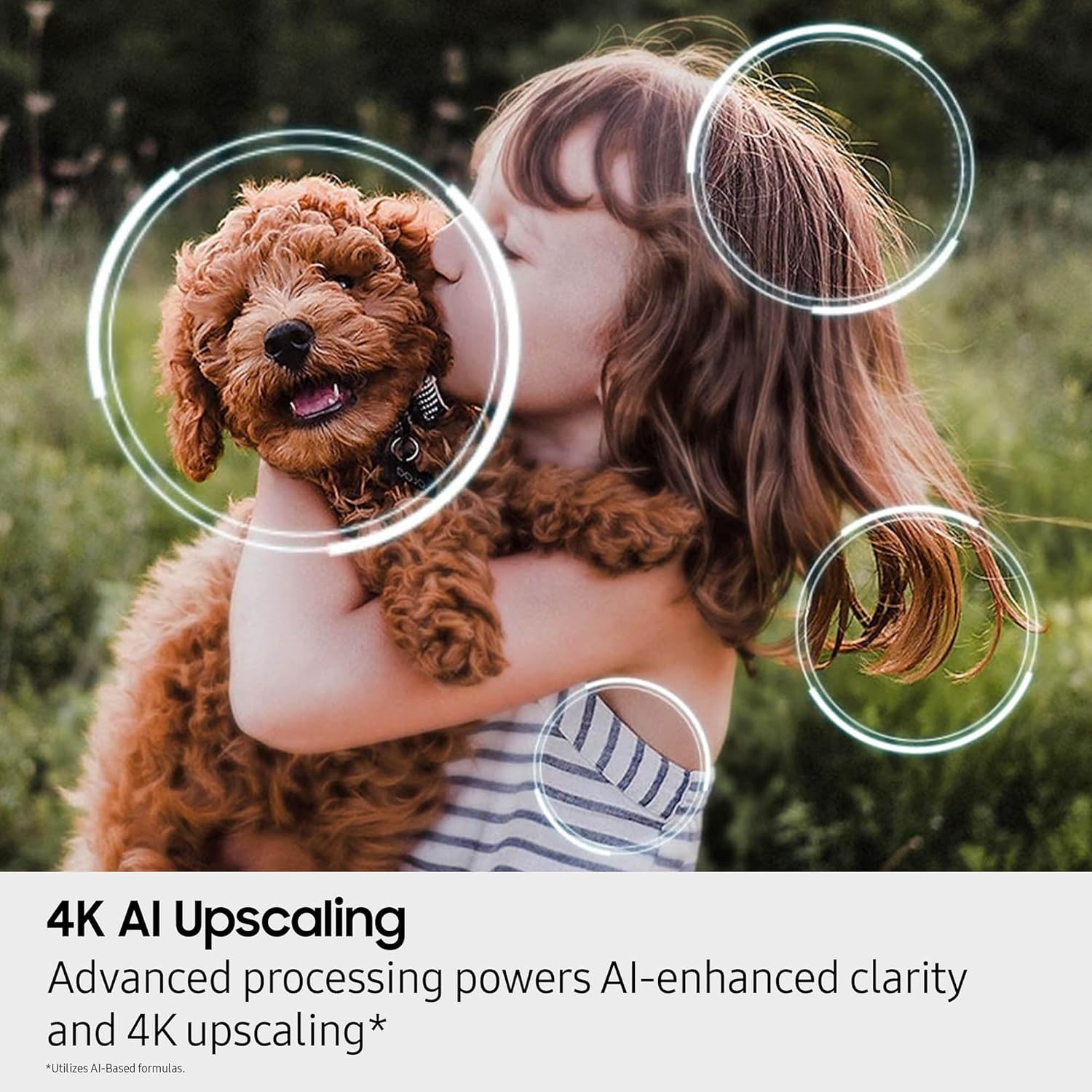
Image 3.3: Visual representation of 4K AI Upscaling enhancing image clarity.
3.4 إعدادات الصوت
Experience rich audio with Dolby Atmos and other advanced sound technologies.
- دولبي أتموس: Provides immersive, multi-dimensional sound.
- OTS Lite (صوت تتبع الكائنات الخفيف): Sound follows the action on screen.
- كيو سيمفوني: Synchronizes TV speakers with compatible Samsung soundbars for enhanced audio.
- صوت بلوتوث: قم بتوصيل سماعات الرأس أو مكبرات الصوت اللاسلكية.
3.5 ميزات الألعاب
- لعبة فائقة الاتساع View: Optimizes the screen for an expansive gaming perspective.
- Motion 144Hz: Reduces input lag and motion blur for smoother gameplay.
3.6 مساعد صوتي
The TV supports multiple voice assistants for convenient control. Refer to the on-screen guide for setup and usage of your preferred voice assistant.
4. الصيانة
4.1 تنظيف الشاشة
To clean the screen, gently wipe it with a soft, lint-free cloth. For stubborn marks, use a screen cleaning solution specifically designed for electronics. The included Amber Protection HDTV Screen Cleaner Kit is suitable for this purpose.
- The cleaning solution is non-ammonia and alcohol-free, preventing damage to display screens.
- It effectively removes dust, dirt, and fingerprints.

Image 4.1: Amber Protection Screen Cleaner Kit, including spray and microfiber cloths.
4.2 العناية العامة
- تجنب وضع التلفاز في ضوء الشمس المباشر أو بالقرب من مصادر الحرارة.
- لا تسد فتحات التهوية.
- افصل التلفاز أثناء العواصف الرعدية أو عند عدم استخدامه لفترات طويلة.
5. استكشاف الأخطاء وإصلاحها
If you encounter issues with your television, refer to the following common troubleshooting steps. For more detailed assistance, consult the full e-manual accessible via the TV's settings menu or contact SAMSUNG support.
5.1 لا يوجد طاقة
- تأكد من توصيل سلك الطاقة بشكل آمن بالتلفزيون والمأخذ الكهربائي العامل.
- تأكد من أن المنفذ يستقبل الطاقة عن طريق توصيل جهاز آخر.
- حاول الضغط على زر الطاقة الموجود على التلفزيون نفسه، وليس فقط على جهاز التحكم عن بعد.
5.2 لا توجد صورة أو صورة مشوهة
- تأكد من تحديد مصدر الإدخال الصحيح (على سبيل المثال، HDMI 1، TV).
- Check all cable connections between the TV and external devices. Try re-seating them.
- إذا كنت تستخدم هوائيًا، فتحقق من اتصاله وموقعه.
- Reset the TV by unplugging it from the power outlet for a few minutes, then plugging it back in.
5.3 لا يوجد صوت أو صوت منخفض
- قم بزيادة مستوى الصوت باستخدام جهاز التحكم عن بعد.
- تأكد من أن التلفزيون مكتوم الصوت.
- Verify audio cables are correctly connected for external audio systems.
- Check the TV's sound settings to ensure the correct audio output is selected.
5.4 مشاكل اتصال الشبكة
- For Wi-Fi, ensure your router is on and within range. Try restarting the router.
- للاتصال السلكي، تأكد من توصيل كابل الإيثرنت بشكل آمن بكل من التلفزيون وجهاز التوجيه.
- Go to the TV's network settings and run a network status test.
6. المواصفات
| ميزة | مواصفة |
|---|---|
| ماركة | سامسونج |
| اسم الموديل | QN85QN70FAFXZA |
| حجم الشاشة | 85 بوصة (216 سم) |
| تكنولوجيا العرض | نيو كيو إل إي دي |
| دقة | 4K (3840 × 2160) |
| معدل التحديث | 120 Hz (Up to 144Hz Motion) |
| المعالج | معالج NQ4 AI Gen2 |
| المميزات الخاصة | Quantum Matrix Technology Slim, 4K AI Upscaling, Neo Quantum HDR, Auto HDR Remastering, Wide Viewing Angle, Supreme UHD Dimming, Color Booster Pro, Adaptive Picture AI Optimized / AI Customization, Dolby Atmos, OTS Lite, Q-Symphony, 360 Audio, Bluetooth Audio, One UI Tizen, Samsung Vision AI, Multiple Voice Assistant Compatible, Karaoke Mic, Super Ultra Wide Game View |
| نظام التشغيل | واجهة مستخدم واحدة Tizen |
| خدمات الإنترنت المدعومة | نتفليكس، برايم فيديو، ديزني+، هولو، أبل تي في، يوتيوب، إتش بي أو ماكس، بيكوك، سلينغ، وغيرها |
| الاتصال | Wi-Fi 5, Ethernet, HDMI (x4, one eARC), USB-A (x2) |
| نوع السماعة | مدمج |
| التوافق مع حامل VESA | 600 مم × 400 مم |
| أبعاد المنتج (مع الحامل) | 14.4 بوصة عمق × 74.9 بوصة عرض × 45 بوصة ارتفاع |
| وزن العنصر | 91.9 رطل (41.7 كجم) |
| لون | أسود |
| كفاءة الطاقة | متوافق مع Energy Star |
7. الضمان والدعم
7.1 ضمان الشركة المصنعة
This SAMSUNG television comes with a full 1-year manufacturer's warranty. Please refer to the warranty card included with your product for specific terms and conditions.
7.2 خطة حماية العنبر
This product bundle includes a 2-year Amber Protection Plan, which extends coverage beyond the manufacturer's warranty. This plan typically covers mechanical and electrical failures and provides power surge protection. Benefits such as power surge protection and mechanical & electrical failures begin on Day 1 of purchase.
For details regarding your Amber Protection Plan, including covered products and how to file a claim, please refer to the documentation provided with the plan or contact Amber Protection customer support.

الصورة 7.1: مثالample of an Amber Protection Plan document.
7.3 دعم العملاء
For technical assistance, product inquiries, or warranty claims, please contact SAMSUNG customer support. You can find contact information on the official SAMSUNG website or in the documentation included with your TV.
For support related to the Amber Protection Plan, please refer to the contact details provided with your plan documentation.