
Umi W5S
دليل مستخدم سماعات الأذن اللاسلكية Umi W5s
Model: W5S | Brand: Umi
مقدمة
This manual provides detailed instructions for the Umi W5s Bluetooth 5.2 IPX7 Wireless In-Ear Earbuds. Please read thoroughly before use to ensure proper operation and longevity of your device.
الميزات الرئيسية
- Intelligent Charging Case: Automatic charging when closed, provides 3-4 full earbud charges, offering up to 24 hours of music/talk time or 100 hours of standby.
- بلوتوث شنومكس: Ensures fast transmission speeds (up to 48MB/s) and a stable connection range of up to 15 meters, delivering deep stereo bass.
- Ergonomic Mini Design & IPX7 Protection: Features a comfortable, invisible in-ear design with soft eartips, and is resistant to sweat and rain.
- Patented Independent Energy Management: Allows for independent charging of the left and right earbuds, maximizing usage time.
- Mono & Stereo Mode: Both earbuds can be used individually or together, with each earbud capable of independent pairing and control.
محتويات الحزمة
The Umi W5s package includes the following items:
- 2 × سماعات أذن لاسلكية
- 1 × حافظة شحن
- 1 × كابل شحن
- 3 x Pairs of Eartips (S/M/L)
- 1 × دليل المستخدم
المنتج انتهىview
Familiarize yourself with the components of your Umi W5s earbuds and charging case.

This image displays the Umi W5s wireless earbuds placed inside their charging case. The case is open, revealing the earbuds nestled in their compartments. A blue light indicates the charging status. The Umi logo is visible on the front of the case.

واجهة أمامية view of the Umi W5s wireless earbuds and their compact charging case. The earbuds are shown outside the case, highlighting their design.

تُظهر هذه الصورة جانبًا view of the Umi W5s wireless earbuds and their charging case, showcasing the profile and ergonomic shape of the earbuds.
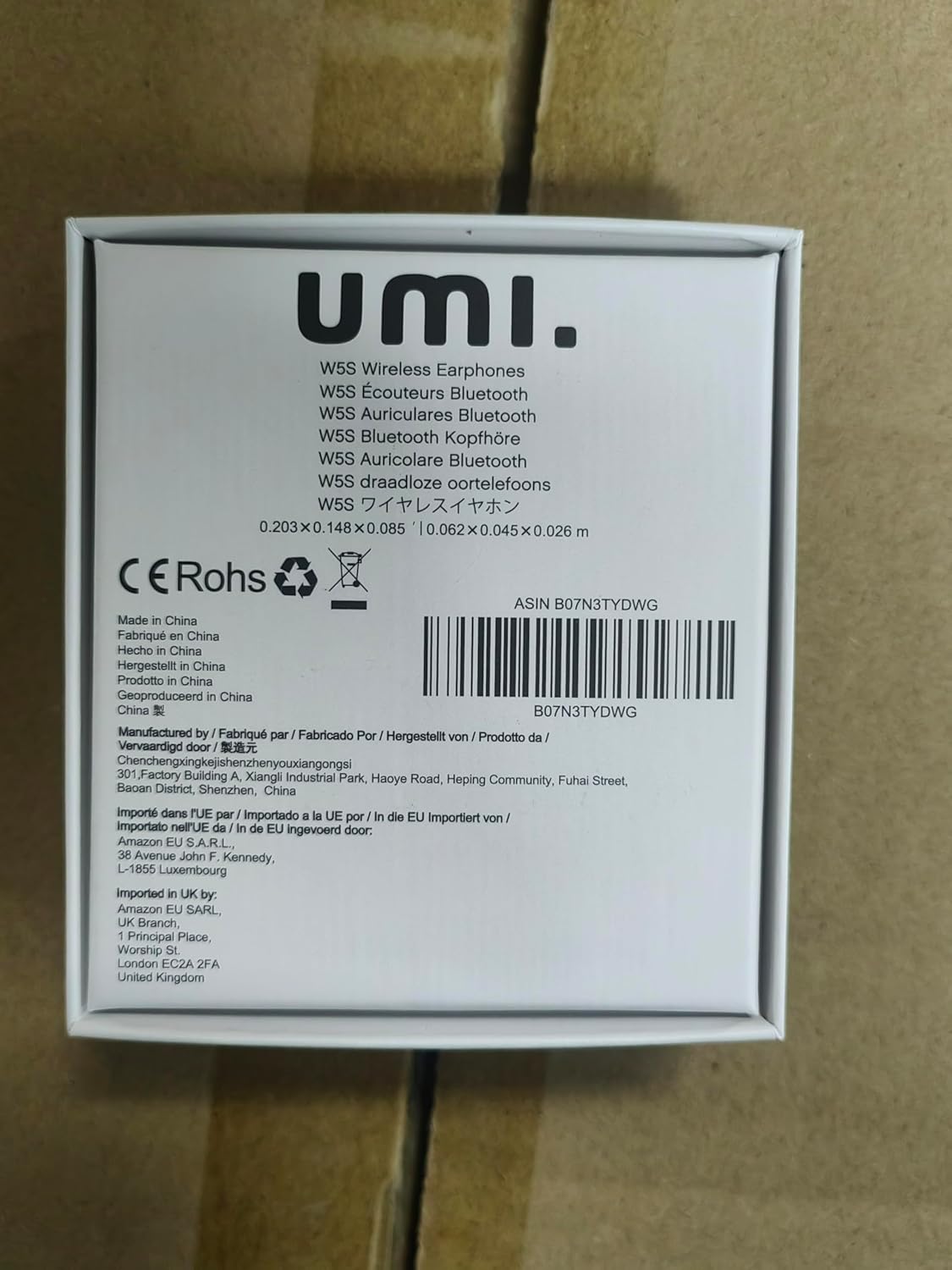
ظهر view of the Umi W5s wireless earbuds and their charging case, showing the rear design and any ports or indicators.

An Umi W5s earbud is shown resting on a spoon, emphasizing its compact size. Text overlays indicate it is 2cm small and delicate, and weighs 4g, highlighting its light and comfortable design.

This image shows a person comfortably wearing the Umi W5s earbuds while working on a laptop and enjoying a coffee. It illustrates the earbuds' suitability for daily use in various environments.

An Umi W5s earbud is depicted partially submerged in a glass of water, visually confirming its IPX7 waterproof capability, which protects against sweat and rain.

A graphic representation of the upgraded Bluetooth 5.0 chip, emphasizing its advanced features such as faster transmission speed and extended range (up to 20M) compared to older versions.
شحن سماعات الأذن والعلبة
Before first use, fully charge both the earbuds and the charging case to ensure optimal battery performance.
Charging Case Indicators:
- Left LED (Red Flash): Indicates the left earbud is low on battery or currently charging. It will turn off when fully charged (first blue, then off).
- Middle LED (Blue Flash): Shows the charging case power level is between 30% and 100%. It turns off when the case is fully charged.
- Middle LED (Red Flash): Indicates the charging case power level is less than 30%.
- Middle LED (Red Flash, faster for 5 minutes): Signals that the charging case power is at 1%.
- Right LED (Red Flash): Indicates the right earbud is low on battery or currently charging. It will turn off when fully charged (first blue, then off).
Earbud charging time: Approximately 60 minutes.
The charging case can fully charge the earbuds 3-4 times, providing up to 24 hours of music/talk time or 100 hours of standby.
الإعداد والاقتران
The earbuds support both mono and stereo modes, and each earbud can be paired independently.
الاقتران الأولي:
- أخرج كلا السماعتين من علبة الشحن. سيتم تشغيلهما تلقائيًا والدخول في وضع الاقتران.
- قم بتفعيل البلوتوث على جهازك (مثل الهاتف الذكي أو الجهاز اللوحي).
- بحث عن "Umi W5s" in the list of available Bluetooth devices.
- Select "Umi W5s" to connect. Once connected, you will hear a confirmation sound.
إعادة الاتصال:
The earbuds will automatically reconnect to the last paired device when taken out of the case, provided Bluetooth is enabled on the device and it is within range.
تعليمات التشغيل
The left earbud (L) is the primary control, but both L and R earbuds can control various functions.
التحكم في المكالمات:
- الرد/إنهاء المكالمة: Single press L or R.
التحكم بالموسيقى:
- تشغيل/إيقاف مؤقت: Single press L or R.
- رفع الصوت: Double press L or Triple press R.
- اخفض الصوت: Triple press L or Double press R.
- الأغنية السابقة: Press and hold L for 3 seconds.
- الأغنية التالية: Press and hold R for 3 seconds.
الصيانة والعناية
- مقاومة الماء: The earbuds are IPX7 waterproof, meaning they are resistant to sweat and rain. Do not immerse the headphones completely in water.
- تنظيف: Use a soft, dry cloth to gently clean the earbuds and charging case. Avoid using harsh chemicals or abrasive materials.
- تخزين: احرص دائمًا على وضع سماعات الأذن في علبة الشحن الخاصة بها عند عدم استخدامها. فهذا يحميها من التلف ويحافظ على شحنها لاستخدامك التالي.
استكشاف الأخطاء وإصلاحها
If you encounter any issues with your Umi W5s earbuds, please try the following steps:
- لا توجد مشاكل في الصوت/الاتصال:
- تأكد من أن سماعات الأذن وعلبة الشحن مشحونة بشكل كافٍ.
- Turn off and then turn on Bluetooth on your connected device.
- Forget "Umi W5s" from your device's Bluetooth list and attempt to re-pair.
- Place both earbuds back into the charging case, close the lid, wait a few seconds, and then take them out again.
- سماعة أذن واحدة فقط تعمل:
- Verify that both earbuds are charged.
- Ensure both earbuds are taken out of the charging case simultaneously.
- Try resetting the earbuds by placing them in the case, then removing them and re-pairing with your device.
- مشاكل الشحن:
- Check the charging cable for any damage and ensure it is securely connected to both the case and a power source.
- Ensure the charging contacts on both the earbuds and inside the case are clean and dry.
تحديد
| ميزة | التفاصيل |
|---|---|
| نموذج | دبليو 5 إس |
| نسخة البلوتوث | 5.2 |
| سعة بطارية سماعة الأذن | 45 مللي أمبير |
| سعة بطارية علبة الشحن | 450 مللي أمبير |
| وقت الاستعداد | 100 ساعات |
| وقت التشغيل | 4 hours (earbuds), up to 24 hours with charging case |
| وقت النداء | 4 ساعات |
| مسافة الاتصال | 15 متر |
| أبعاد سماعة الأذن | 2.6 × 1.6 × 2.1 سم |
| أبعاد علبة الشحن | 6.2 × 4.5 × 2.1 سم |
| تصنيف مقاومة الماء | IPX7 |
| وزن | 104 جرام |
| مقاومة | 32 أوم |
| نطاق التردد | 20 هرتز - 20,000 هرتز |
| الأجهزة المتوافقة | Phones (iPhone, Samsung, Huawei) |
الضمان والدعم
Umi W5s earbuds come with a 12-month worry-free warranty from the date of purchase.
For any assistance, questions, or concerns, please contact our dedicated customer support team:
- 24-hour email support is available for all inquiries.
- We are committed to 100% customer satisfaction.
معلومات هامة حول السلامة
- Do not allow the headphones to come into contact with water beyond their IPX7 rating (e.g., do not submerge).
- Fully charge the earbuds and charging case before first use to ensure proper battery calibration and performance.
- تجنب تعريض الجهاز لدرجات الحرارة القصوى أو أشعة الشمس المباشرة أو الرطوبة العالية.
- لا تحاول تفكيك الجهاز أو إصلاحه أو تعديله بنفسك. فقد يؤدي ذلك إلى إلغاء الضمان والتسبب في تلفه.
- يحفظ بعيدًا عن متناول الأطفال والحيوانات الأليفة.
Ask a question about this manual
Ask about setup, troubleshooting, compatibility, parts, safety, or missing instructions. Manuals+ will review the question and use this page’s manual context to help answer it.