
1. المقدمة
The BINIZE Android 13 CarPlay AI Box is an advanced multimedia video box designed to enhance your in-car entertainment and connectivity. It seamlessly converts your vehicle's OEM wired CarPlay or Android Auto system into a full-fledged Android 13 operating system, offering wireless CarPlay, wireless Android Auto, and access to a wide range of streaming applications.
Equipped with an 8-core processor, 8GB RAM, and 128GB ROM, this device ensures a fast, stable, and smooth user experience. It supports various control methods, including Siri voice control, steering wheel controls, and touch screen input, integrating perfectly with your vehicle's existing interface.
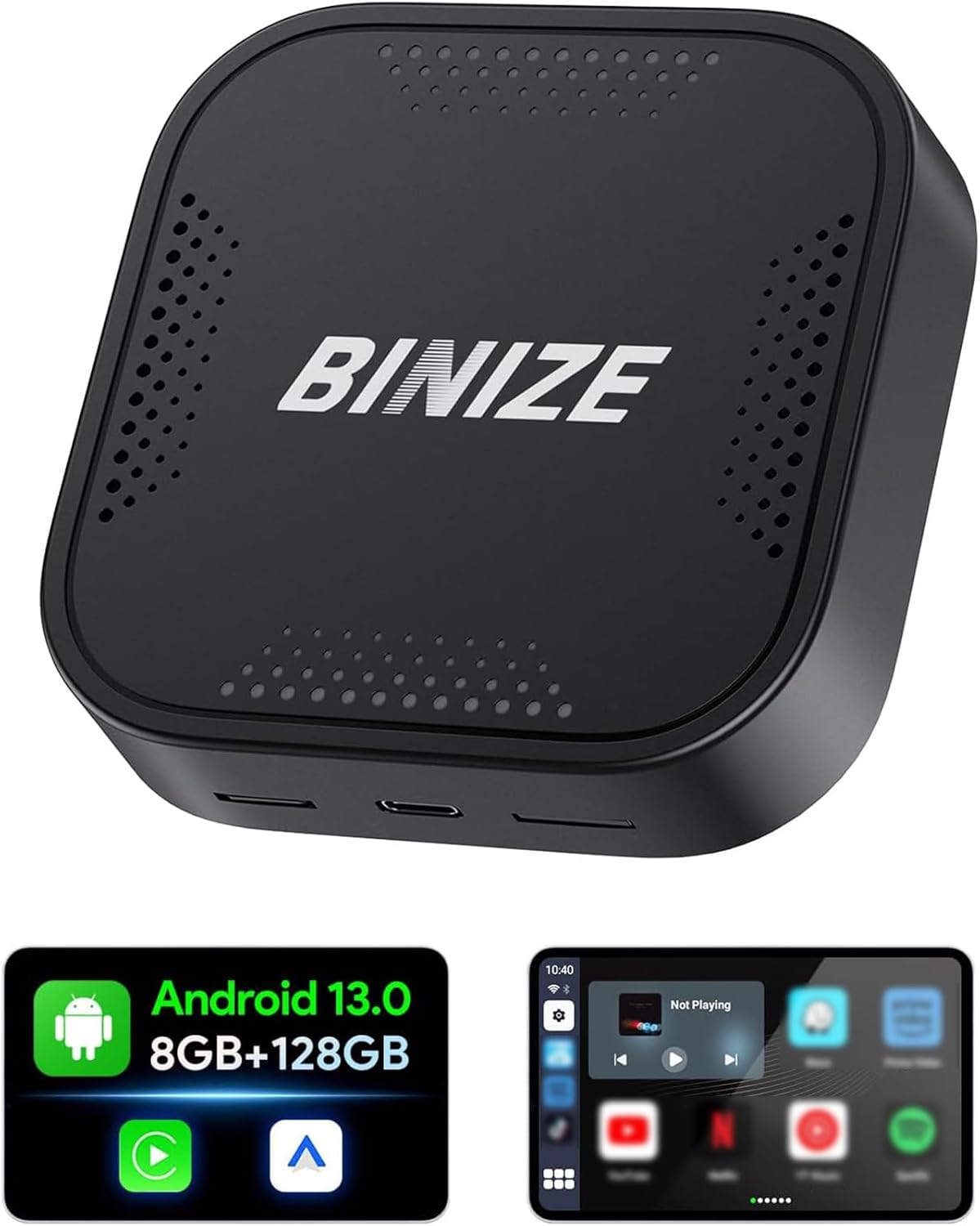
Figure 1.1: The BINIZE Android 13 CarPlay AI Box, a compact device designed to upgrade your car's infotainment system.
2. الميزات الرئيسية
- نظام التشغيل Android 13: Experience faster speeds and broad app compatibility with the latest Android 13 OS.
- CarPlay اللاسلكي وAndroid Auto: Convert your wired connection to wireless, reducing cable clutter and enhancing convenience.
- الأداء العالي: Powered by a Qualcomm 8-core chip with 8GB RAM and 128GB ROM, ensuring responsive and continuous operation.
- قدرات الوسائط المتعددة: Pre-installed streaming apps like Netflix and YouTube for entertainment on the go. Supports various audio and video formats.
- التوصيل والتشغيل: Quick installation within 10 seconds, with automatic connection after initial setup.
- تقنية بلوتوث مزدوجة: Connect Bluetooth accessories such as mice, remotes, OBD devices, and keyboards.
- Original Car Control Integration: Maintain control via Siri voice commands, steering wheel buttons, knob controls, and the original touch screen.
- مساحة تخزين قابلة للتوسعة: SD card slot supports expansion up to 128GB (TF Card not included).
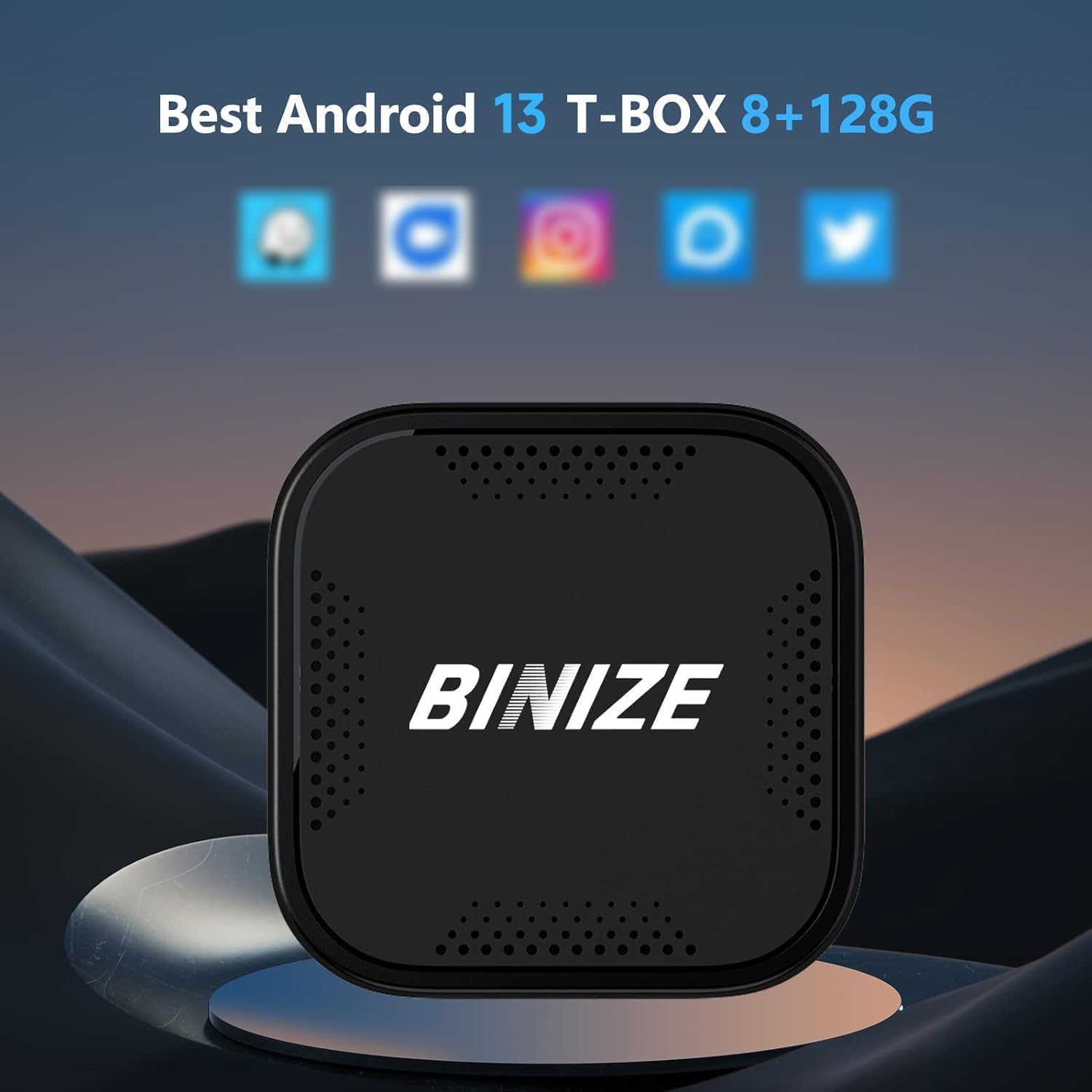
Figure 2.1: Visual representation of the Android 13 operating system with 8GB RAM and 128GB internal storage, highlighting its core specifications.

Figure 2.2: An in-car display demonstrating the seamless integration of Wireless CarPlay and Wireless Android Auto interfaces provided by the AI Box.
3. دليل الإعداد
- توافق السيارة: Ensure your vehicle has OEM wired CarPlay or Android Auto functionality. The BINIZE AI Box is compatible with approximately 99% of models that support these wired connections.
- قم بتوصيل صندوق الذكاء الاصطناعي: Plug the BINIZE AI Box into your car's USB port that supports wired CarPlay/Android Auto. The package includes two USB cables (USB-A to USB-C and USB-C to USB-C) to accommodate various vehicle ports.
- Power Supply (Toyota Series Note): For Toyota series vehicles, an additional split power supply line may be necessary. This is due to the less powerful USB ports in some Toyota models, requiring additional power and data from the cigarette lighter. Ensure adequate power supply for optimal performance.
- الاقتران الأولي: Once connected, the AI Box will automatically boot up. Follow the on-screen prompts on your car's display to pair your smartphone wirelessly via Bluetooth and Wi-Fi for Wireless CarPlay or Android Auto.
- الاتصال التلقائي: After the first successful pairing, the AI Box will automatically connect to your phone when you start your vehicle.

Figure 3.1: Illustration of the simple Plug & Play setup, showing the AI Box connected to a car's USB port.
4. تعليمات التشغيل
4.1 CarPlay اللاسلكي / Android Auto
- Once connected, your car's display will show the Wireless CarPlay or Android Auto interface.
- Navigate using your car's original controls: touch screen, rotary knob, or steering wheel buttons.
- Activate voice commands using Siri (for CarPlay) or Google Assistant (for Android Auto) for hands-free operation.
4.2 تطبيقات البث
- Connect the AI Box to a Wi-Fi network or your mobile hotspot to access pre-installed streaming apps like Netflix, YouTube, and more.
- Log in to your accounts within the apps to access your content.
- The device supports split-screen functionality, allowing you to run two applications simultaneously (e.g., navigation and video).

Figure 4.1: An in-car display showcasing the variety of built-in video applications available for entertainment during your journey.
4.3 اتصال بلوتوث مزدوج
- The dual Bluetooth feature allows connection to multiple Bluetooth devices simultaneously.
- Pair Bluetooth mice, remote controls, OBD devices, or keyboards for enhanced interaction with the Android system.
5. الصيانة
To ensure the longevity and optimal performance of your BINIZE Android 13 CarPlay AI Box, follow these general maintenance guidelines:
- حافظ على نظافة: Regularly wipe the device with a soft, dry cloth to remove dust and fingerprints. Avoid using harsh chemicals or abrasive materials.
- التحكم في درجة الحرارة: Do not expose the device to extreme temperatures (hot or cold) or direct sunlight for prolonged periods, as this can affect internal components.
- التخزين السليم: When not in use for extended periods, store the device in a cool, dry place away from moisture.
- العناية بالكابلات: Handle USB cables carefully. Avoid bending or crimping them excessively, which can damage the internal wires.
- تحديثات البرامج: تحقق من الشركة المصنعة website or contact support for any available software updates to ensure the device runs with the latest features and bug fixes.
6. استكشاف الأخطاء وإصلاحها
If you encounter issues with your BINIZE Android 13 CarPlay AI Box, refer to the following common troubleshooting steps:
- لا يوجد طاقة/الجهاز لا يعمل:
- تأكد من توصيل كابل USB بشكل آمن بكل من جهاز AI Box ومنفذ USB الخاص بالسيارة.
- تأكد من أن منفذ USB الخاص بسيارتك نشط ويوفر الطاقة.
- For Toyota series vehicles, confirm that the additional split power supply line (if required) is correctly installed and providing sufficient power from the cigarette lighter.
- لا يوجد اتصال لاسلكي بنظامي CarPlay/Android Auto:
- تأكد من تفعيل خاصية البلوتوث والواي فاي في هاتفك.
- Delete previous pairings on both your phone and the AI Box, then attempt to re-pair.
- Confirm your car's OEM system supports wired CarPlay/Android Auto.
- تأخر أو بطء الأداء:
- Close unnecessary background applications on the AI Box.
- Ensure a stable Wi-Fi connection if streaming content.
- Consider clearing the cache of frequently used apps.
- مشاكل تثبيت التطبيق:
- Ensure the AI Box is connected to the internet.
- التحقق من مساحة التخزين المتوفرة.
- If downloading from unofficial sources, ensure the APK file is compatible and not corrupted. Contact BINIZE support for installation fileإذا لزم الأمر.
- لا يوجد مخرج صوتي:
- Check the volume levels on both the AI Box and your car's audio system.
- Ensure the correct audio source is selected on your car's head unit.
إذا لم تحل هذه الخطوات المشكلة، فيرجى الرجوع إلى قسم الدعم للحصول على مزيد من المساعدة.
7. المواصفات
| ميزة | وصف |
|---|---|
| رقم الموديل | BINIZE_AVR8G128 |
| نظام التشغيل | أندرويد 13 |
| المعالج | Qualcomm 8-core chip |
| كبش | 8 جيجا بايت |
| التخزين الداخلي (ROM) | 128 جيجا بايت |
| تخزين قابل للتوسيع | SD card slot (up to 128GB, TF Card not included) |
| تكنولوجيا الاتصال | Wi-Fi (2.4G & 5G Signal Transmission), Bluetooth (Dual Bluetooth) |
| الأجهزة المتوافقة | Cars with OEM Wired CarPlay/Android Auto |
| نوع الموصل | USB (USB-A to USB-C & USB-C to USB-C cables included) |
| وضع إخراج الصوت | ستيريو |
| تكوين قناة الصوت المحيطي | 4.0 |
| لون | أسود |
| أبعاد الحزمة | 10 × 4 × 4 بوصة |
| وزن العنصر | 4 أونصات |
| تاريخ أول توفر | 8 أكتوبر 2023 |
8. الضمان والدعم
BINIZE is committed to providing excellent customer service and professional technical support for its products. While specific warranty details are not provided in this manual, it is recommended to:
- Check Manufacturer's Webموقع: Visit the official BINIZE website or the product page on the retailer's site for the most up-to-date warranty information and terms and conditions.
- اتصل بالدعم: For technical assistance, troubleshooting beyond this manual, or warranty claims, please reach out to BINIZE customer support. Contact information can typically be found on the product packaging or the official BINIZE webموقع.
- الموارد المتاحة على الإنترنت: Additional resources, including FAQs and software updates, may be available on the BINIZE brand store: BINIZE Store on Amazon.