مقدمة
The CLIKBUTM Rechargeable Presentation Clicker (Model: WP76-R) is a versatile wireless presenter designed to enhance your presentations. It features a red light laser pointer, intuitive controls for navigating slides, and broad compatibility with various operating systems and presentation software. Its compact, metal design ensures durability and portability, making it an essential tool for professionals and educators.
المنتج انتهىview
The CLIKBUTM Presentation Clicker is engineered for ease of use and reliability. Below are the key components and their functions:
- أداة النقر للعرض التقديمي: The main unit with control buttons and a laser pointer.
- 2-in-1 USB-C & USB-A Dongle: A versatile receiver that supports both USB-A and Type-C ports.
- بطارية قابلة لإعادة الشحن: Integrated Lithium Ion battery for long-lasting performance.

Image: The CLIKBUTM Presentation Clicker showing its main control buttons and sleek design.

Image: The innovative 2-in-1 USB-C and USB-A dongle, highlighting its dual compatibility.

Image: The magnetic storage compartment for the USB dongle, ensuring it is securely stored when not in use.
يثبت
1. شحن الجهاز
The CLIKBUTM Presentation Clicker comes with a built-in rechargeable Lithium Ion battery. Before first use, or when the low power indicator lights up, charge the device using the provided cable.
- Locate the charging port on the side of the clicker.
- Connect the charging cable to the clicker and a compatible USB power source (e.g., computer USB port, wall adapter).
- A full charge takes approximately 55 minutes. The device offers over two months of worktime or 200 days of standby time on a single charge.

Image: The presentation clicker being charged, illustrating its fast charging capability and extended battery life.
2. توصيل جهاز الاستقبال
The 2-in-1 USB-C & USB-A dongle allows for broad compatibility with various laptops and computers.
- Retrieve the 2-in-1 dongle from its magnetic storage compartment within the clicker.
- Insert the dongle into an available USB-A or USB-C port on your computer. The system will automatically recognize the device (plug-and-play, no software installation required).
- Ensure the clicker's power switch (located on the side) is in the "ON" position.

Image: The presentation clicker and its USB dongle, ready for connection to a laptop.
تعليمات التشغيل
Once connected, the CLIKBUTM Presentation Clicker provides seamless control over your presentations.
وظائف الأزرار:
| زر | وظيفة |
|---|---|
| Laser Pointer Button | Activates the red light laser pointer (range up to 328FT/100M). |
| Page Up / Full Screen Button | Moves to the previous slide. Long press for Full Screen mode. |
| Page Down / Black Screen Button | Moves to the next slide. Long press for Black Screen mode. |
| زر رفع الصوت | يزيد من حجم النظام. |
| زر خفض الصوت | يقلل من حجم النظام. |
| Switch Windows Button | Switches between open windows (functionality may vary by OS). |
| Power Switch (Side) | Turns the device ON or OFF to conserve battery. |
The wireless control distance for slide navigation is up to 100FT.
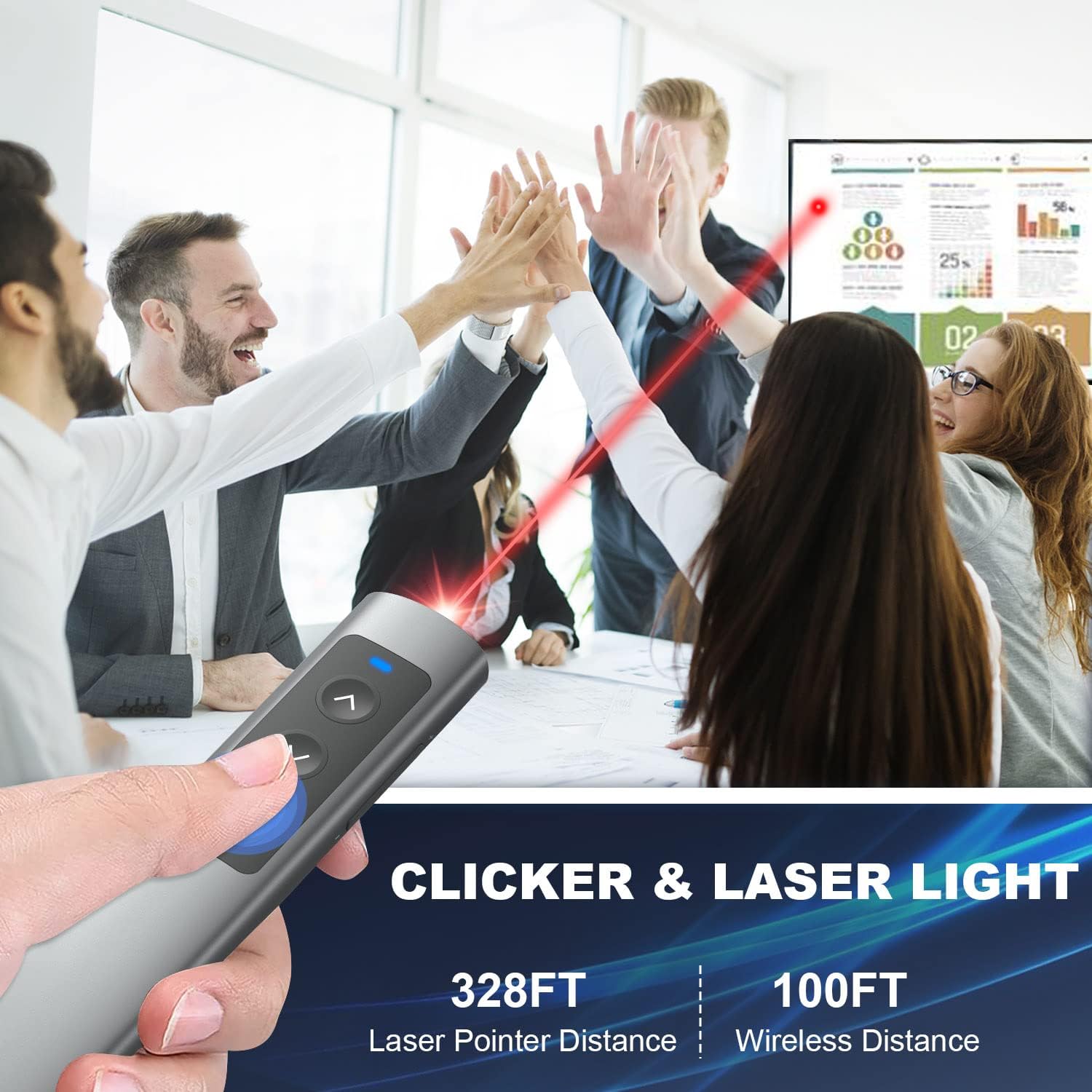
Image: A user demonstrating the clicker's functionality during a presentation, highlighting its effective range.
التوافق:
The CLIKBUTM Presentation Clicker offers wide compatibility with various operating systems and presentation software:
- أنظمة التشغيل: Windows 2003/XP/Vista/7/8/10, Mac OS, Linux.
- برمجة: PowerPoint, Keynote, Prezi, Word, Excel, ACD See, iWork, and more.
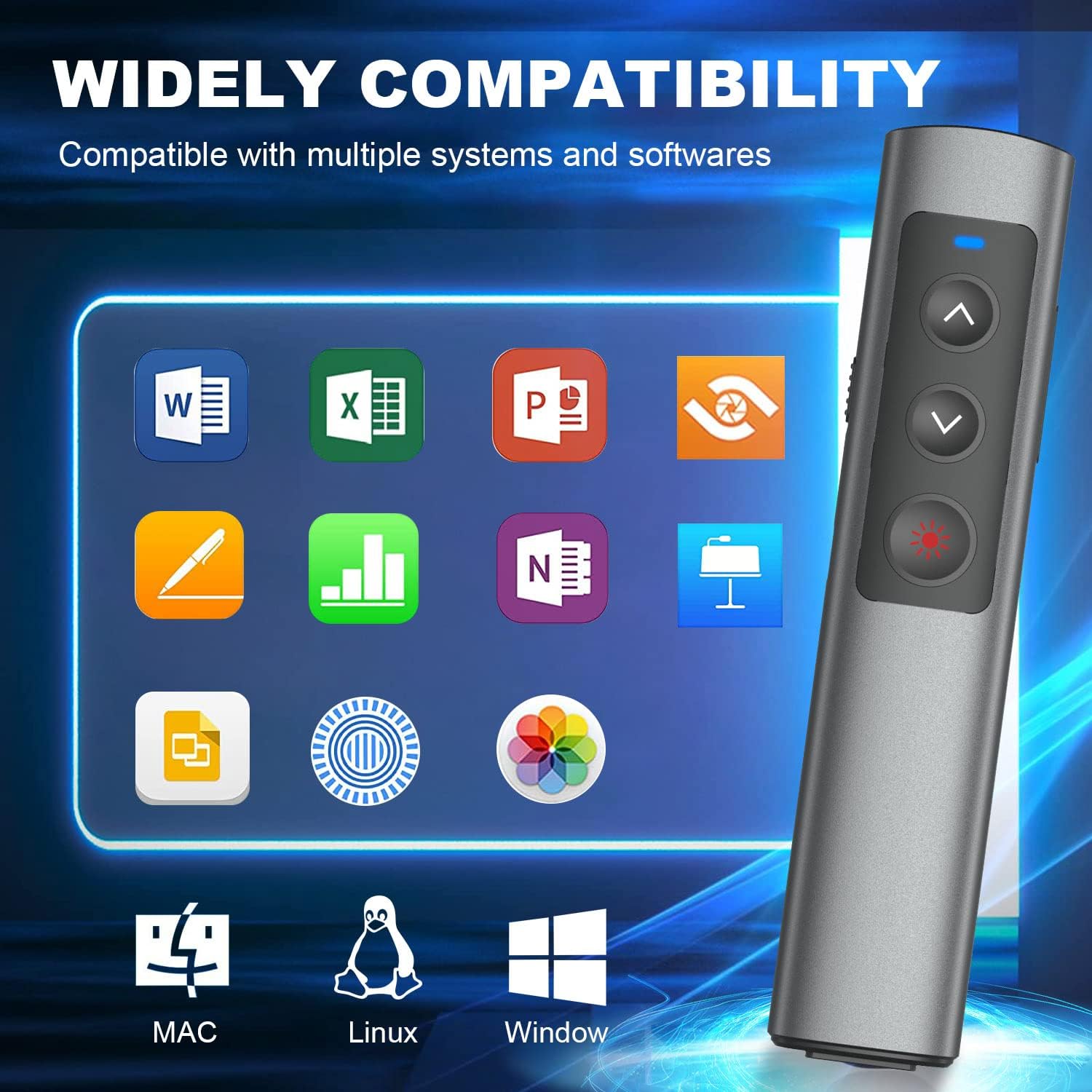
Image: Visual representation of the clicker's broad compatibility with different operating systems and office software.
صيانة
To ensure the longevity and optimal performance of your CLIKBUTM Presentation Clicker, follow these maintenance guidelines:
- تنظيف: Use a soft, dry cloth to clean the surface of the clicker. Avoid using harsh chemicals or abrasive materials.
- تخزين: When not in use, store the clicker in a cool, dry place. Ensure the USB dongle is securely placed in its magnetic compartment to prevent loss.
- العناية بالبطارية: Recharge the device regularly, even if not frequently used, to maintain battery health. Avoid fully depleting the battery for extended periods.
- تجنب الظروف القاسية: لا تعرض الجهاز لدرجات حرارة عالية، أو أشعة الشمس المباشرة، أو الرطوبة العالية.
استكشاف الأخطاء وإصلاحها
If you encounter any issues with your CLIKBUTM Presentation Clicker, please refer to the following common troubleshooting steps:
- الجهاز لا يستجيب:
- Ensure the clicker's power switch is in the "ON" position.
- Verify the USB dongle is securely inserted into a working USB port on your computer.
- Check the battery level. If low, recharge the clicker.
- Try inserting the dongle into a different USB port.
- مؤشر الليزر لا يعمل:
- Ensure the clicker is powered on.
- Press the laser button firmly.
- تحقق من مستوى البطارية وأعد شحنها إذا لزم الأمر.
- مشاكل التنقل بين الشرائح:
- Confirm the clicker is within the 100FT wireless control range of the dongle.
- Ensure your presentation software is active and in focus on your computer.
- التحقق من وجود أي برامج أو برامج تشغيل متعارضة.
إذا استمرت المشكلة بعد تجربة هذه الخطوات، فيرجى الاتصال بدعم العملاء للحصول على مزيد من المساعدة.
تحديد
| ميزة | التفاصيل |
|---|---|
| ماركة | كليكبوتم |
| رقم الموديل | WP76-ر |
| أبعاد المنتج | 5.57 × 1.18 × 0.52 بوصة |
| وزن العنصر | 2.39 أونصات |
| لون | أسود |
| نوع البطارية | 1 بطارية ليثيوم أيون (مضمنة) |
| وقت الشحن | حوالي 55 دقيقة |
| Worktime / Standby Time | 2+ months worktime / 200 days standby |
| مسافة التحكم اللاسلكي | Up to 100FT |
| نطاق الليزر | Up to 328FT / 100M (Red Light) |
| الاتصال | 2-in-1 USB-A & USB-C Dongle |
| الأجهزة المتوافقة | كمبيوتر محمول |
| توافق نظام التشغيل | Windows 2003/XP/Vista/7/8/10, Mac OS, Linux |
| توافق البرامج | PowerPoint, Keynote, Prezi, Word, Excel, ACD See, iWork, etc. |
| الشركة المصنعة | Dongguan Baiyejia Electronic Co.,Ltd. |
الضمان والدعم
CLIKBUTM products are manufactured with high-quality standards. For information regarding warranty coverage, technical support, or any product-related inquiries, please refer to the contact information provided on the product packaging or visit the official CLIKBUTM webموقع.
يرجى الاحتفاظ بإثبات الشراء الخاص بك لمطالبات الضمان.