
1. انتهى المنتجview
The HUYVMAY Fitness Tracker T6F is a versatile activity tracker designed for children and women. It features a clear LED display and offers multiple functions without requiring a smartphone application or Bluetooth connection. Its simple operation makes it suitable for users seeking a straightforward fitness monitoring device.

Image: The HUYVMAY Fitness Tracker T6F displaying its various functions including pedometer, calories, distance, IP68 waterproof rating, time/date, 3 alarm clocks, 21-day runtime, stopwatch, and USB charging.
المميزات الرئيسية:
- عرض الوقت والتاريخ والأسبوع
- Pedometer (Step Counter)
- تتبع المسافة
- عداد السعرات الحرارية
- 3 Alarm Clocks with Vibration
- وظيفة ساعة الإيقاف
- تصنيف مقاومة الماء IP68
- Direct USB Charging
- Long Battery Life (up to 20 days)
2. الإعداد
2.1 شحن الجهاز
Before initial use, fully charge your fitness tracker. The device features a built-in USB plug for direct charging.
- Gently remove the strap from one side of the watch face to reveal the USB charging connector.
- Insert the USB connector into any standard USB port (e.g., computer, wall adapter, power bank).
- Charge the device for approximately 1 hour. A full charge typically provides over 20 days of use.

Image: The fitness tracker connected directly to a power bank via its integrated USB connector for charging.
2.2 Initial Power On and Display Activation
To conserve energy, the display does not remain constantly active. To view information, press button A located on the side of the watch.
2.3 Setting Time, Date, and User Data
The fitness tracker allows for setting the current time, date, and personal user data (such as weight and height) to ensure accurate tracking of steps, distance, and calories. Specific instructions for navigating the settings menu are typically found in the detailed manual provided with the product. Generally, this involves pressing and holding button A to enter setting mode and then using short presses to adjust values and confirm selections.
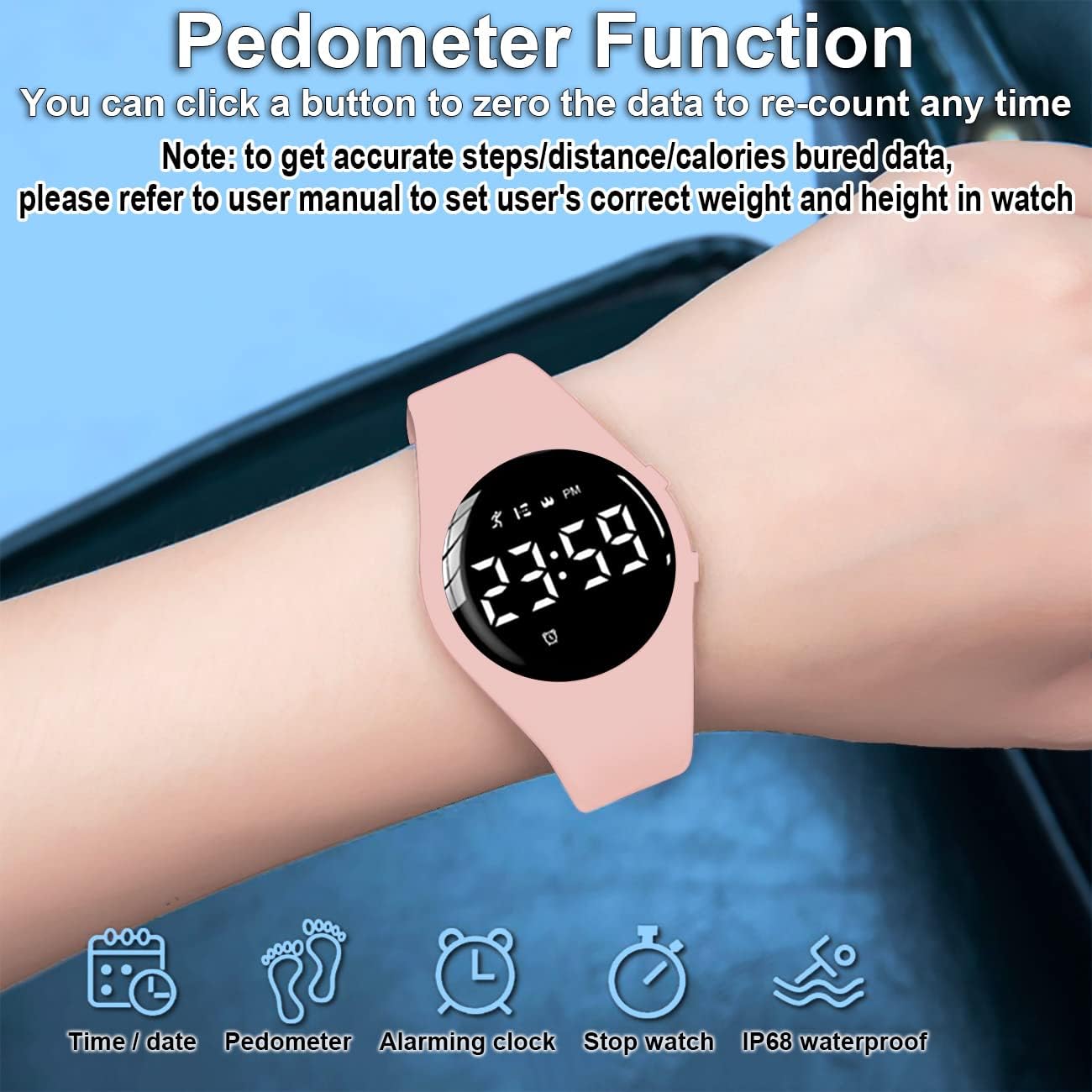
Image: A HUYVMAY Fitness Tracker T6F on a wrist, displaying the pedometer function. Icons below indicate time/date, pedometer, alarming clock, stopwatch, and IP68 waterproof features.
3. تعليمات التشغيل
3.1 Navigating Functions
The fitness tracker operates using a single button (Button A). Short presses of Button A will cycle through the main functions:
- Time/Date/Week display
- عداد الخطى (خطوات)
- مسافة
- السعرات الحرارية المحروقة
- منبه
- ساعة توقيت
3.2 Pedometer and Activity Tracking
The device automatically tracks your steps, calculates distance, and estimates calories burned throughout the day. To reset the pedometer data, typically a long press on Button A while on the pedometer screen will zero out the current day's data, allowing you to start a new count at any time.
3.3 Setting and Using the Alarm Clock
The fitness tracker includes up to three vibrating alarm clocks. To set an alarm:
- Cycle to the Alarm Clock function using Button A.
- Press and hold Button A to enter alarm setting mode.
- Use short presses of Button A to adjust the hour and minute, and long presses to confirm and move to the next setting.
- Once set, the watch will vibrate at the designated time. The vibration is designed to be noticeable to the wearer without disturbing others.

Image: A HUYVMAY Fitness Tracker T6F on a wrist, illustrating the vibrating alarm clock feature with subtle wave graphics.
3.4 استخدام ساعة الإيقاف
لاستخدام وظيفة ساعة الإيقاف:
- Cycle to the Stopwatch function using Button A.
- Press and hold Button A to start the stopwatch.
- A short press will pause/resume the stopwatch.
- A long press will reset the stopwatch to zero.
3.5 مقاومة الماء (IP68)
The device has an IP68 waterproof rating, meaning it is resistant to dust and can withstand immersion in water up to 1.5 meters for up to 30 minutes. This allows for use during hand washing, in the rain, showering, and swimming for 1 to 2 hours. However, it is important to avoid exposure to hot water, as this can compromise the waterproof seals.
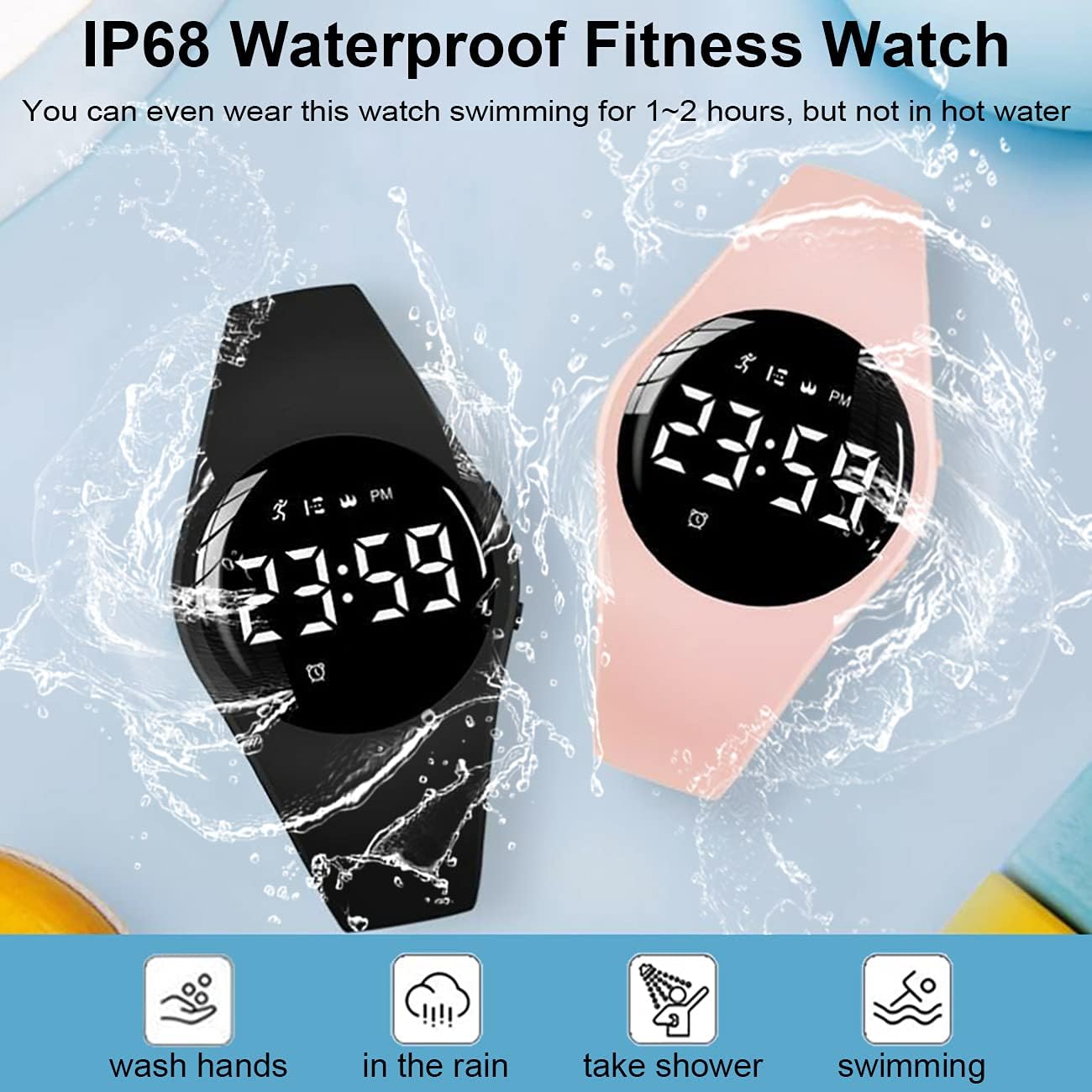
Image: Two HUYVMAY Fitness Trackers, one black and one pink, shown with water droplets, emphasizing their IP68 waterproof capability for activities like washing hands, rain, showering, and swimming.
3.6 Clear Display
The LED display provides clear visibility of information, even in low-light conditions or darkness.

Image: The HUYVMAY Fitness Tracker T6F display illuminated and clearly visible in a dark environment.
4. الصيانة
4.1 التنظيف
To maintain the device's appearance and hygiene, regularly clean the watch face and silicone strap. Use a soft, damp cloth to wipe away dirt or sweat. Avoid using harsh chemicals or abrasive materials, as these can damage the device.
4.2 ممارسات الشحن
Ensure the USB charging port is clean and dry before charging. Charge the device fully when the low battery indicator appears to prolong battery life.
4.3 العناية بمقاومة الماء
While the device is IP68 waterproof, avoid exposing it to hot water, steam, or prolonged submersion beyond the recommended limits. After swimming or exposure to chlorinated/salt water, rinse the watch with fresh water and dry it thoroughly.
4.4 التخزين
When not in use for extended periods, store the fitness tracker in a cool, dry place away from direct sunlight and extreme temperatures. It is advisable to charge the device periodically (e.g., every few months) even when stored, to prevent deep discharge of the battery.
5. استكشاف الأخطاء وإصلاحها
If you encounter issues with your HUYVMAY Fitness Tracker T6F, please refer to the following common solutions:
- الجهاز لا يتم تشغيله أو شحنه: Ensure the USB connector is fully inserted into a functional USB port. Charge for at least 1 hour. If the issue persists, try a different USB port or charging adapter.
- Display not activating: Press Button A firmly. The display is designed to turn off to save power.
- Inaccurate step, distance, or calorie readings: Verify that your personal weight and height settings are correctly entered into the device. Refer to the detailed manual for instructions on adjusting these settings.
- Strap tearing or damage: The silicone strap is designed for comfort and durability, but excessive force or sharp objects can cause damage. Handle the strap gently when putting on or taking off the watch. Replacement straps may be available from the manufacturer or seller.
- دخول المياه: Although IP68 rated, exposure to hot water or prolonged submersion beyond specified limits can cause damage. Ensure the device is not exposed to conditions outside its rating.
6. المواصفات
| ماركة | هويفماي |
| رقم الموديل | ت6 اف |
| نوع العرض | قاد |
| حجم الشاشة | 32 مليمتر |
| شكل | دائري |
| تكنولوجيا الاتصال | USB (No App, No Bluetooth required) |
| مقاومة الماء | IP68 (Suitable for swimming 1-2 hours, avoid hot water) |
| نوع البطارية | ليثيوم أيون / ليثيوم بوليمر |
| عمر البطارية (نموذجي) | حتى 20 يوما |
| وقت الشحن | حوالي ساعة واحدة |
| الوظائف | Pedometer, Distance, Calories, 3 Alarms, Stopwatch, Time/Date/Week |
| أبعاد المنتج (الطول × العرض × الارتفاع) | 22.86 × 3.4 × 1.24 سم |
| وزن المنتج | 30.62 غرام (1.08 أونصة) |
| مادة الحزام | سيليكون |
| Intended Age Group | Children, Women |

Image: A diagram illustrating the dimensions of the fitness tracker (30mm width) and the adjustable wrist circumference range of 145-200 mm.
7. الضمان والدعم
For warranty information or technical support, please refer to the documentation included with your product or contact the seller directly. The seller for this product is HuiRuiYuan. Please retain your proof of purchase for any warranty claims.