
سماعات ابل ايربودز برو
Apple AirPods Pro Wireless Earbuds User Manual
مقدمة
Welcome to your Apple AirPods Pro. These advanced wireless earbuds offer Active Noise Cancellation, Transparency Mode, and adaptive equalization for an immersive audio experience. This manual provides essential information for setting up, operating, maintaining, and troubleshooting your device.
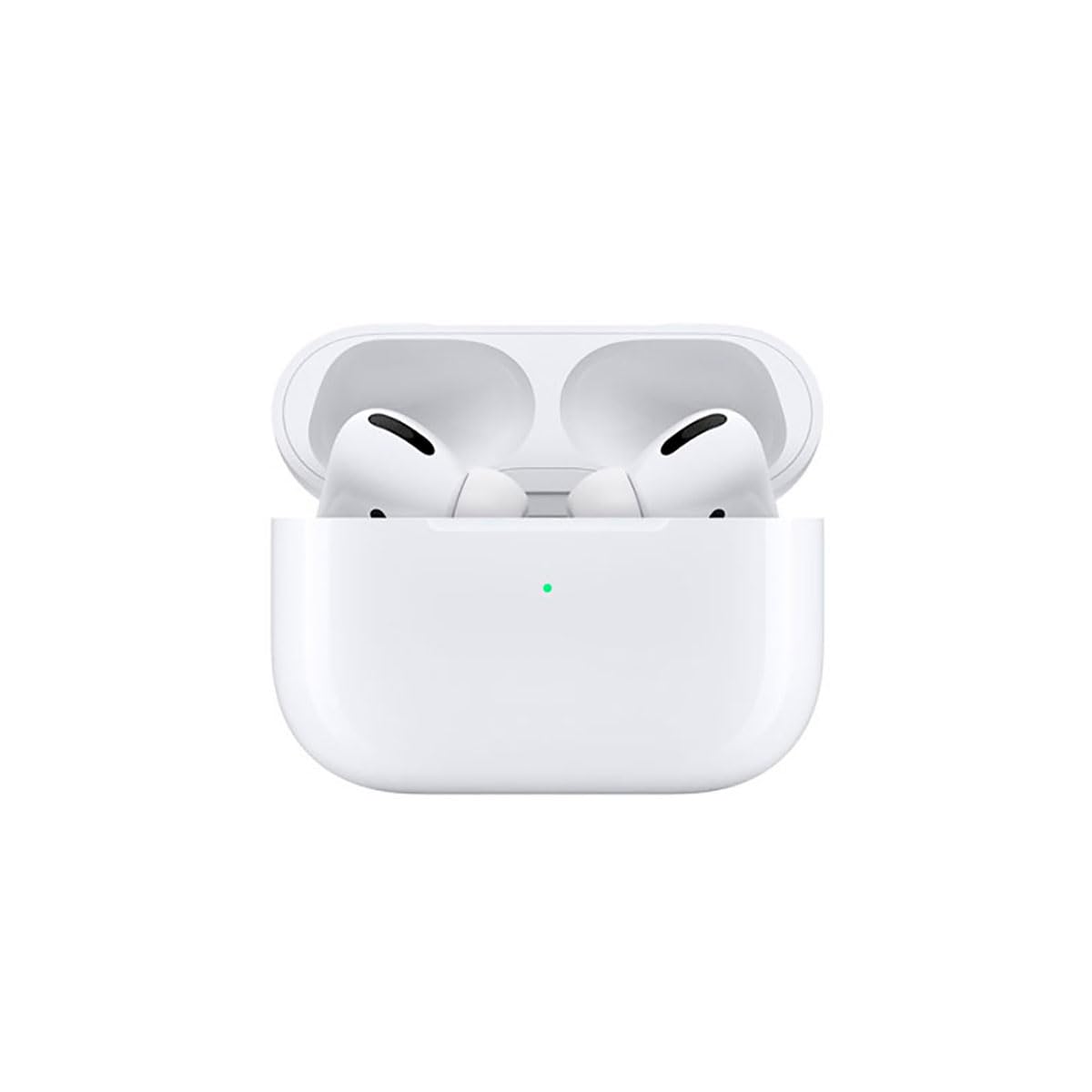
Image: A person wearing Apple AirPods Pro earbuds, demonstrating their use in a daily setting.
1. البدء
1.1 فتح العلبة والشحن
Your AirPods Pro come with a Wireless Charging Case, silicone ear tips in three sizes, and a Lightning to USB-C cable.
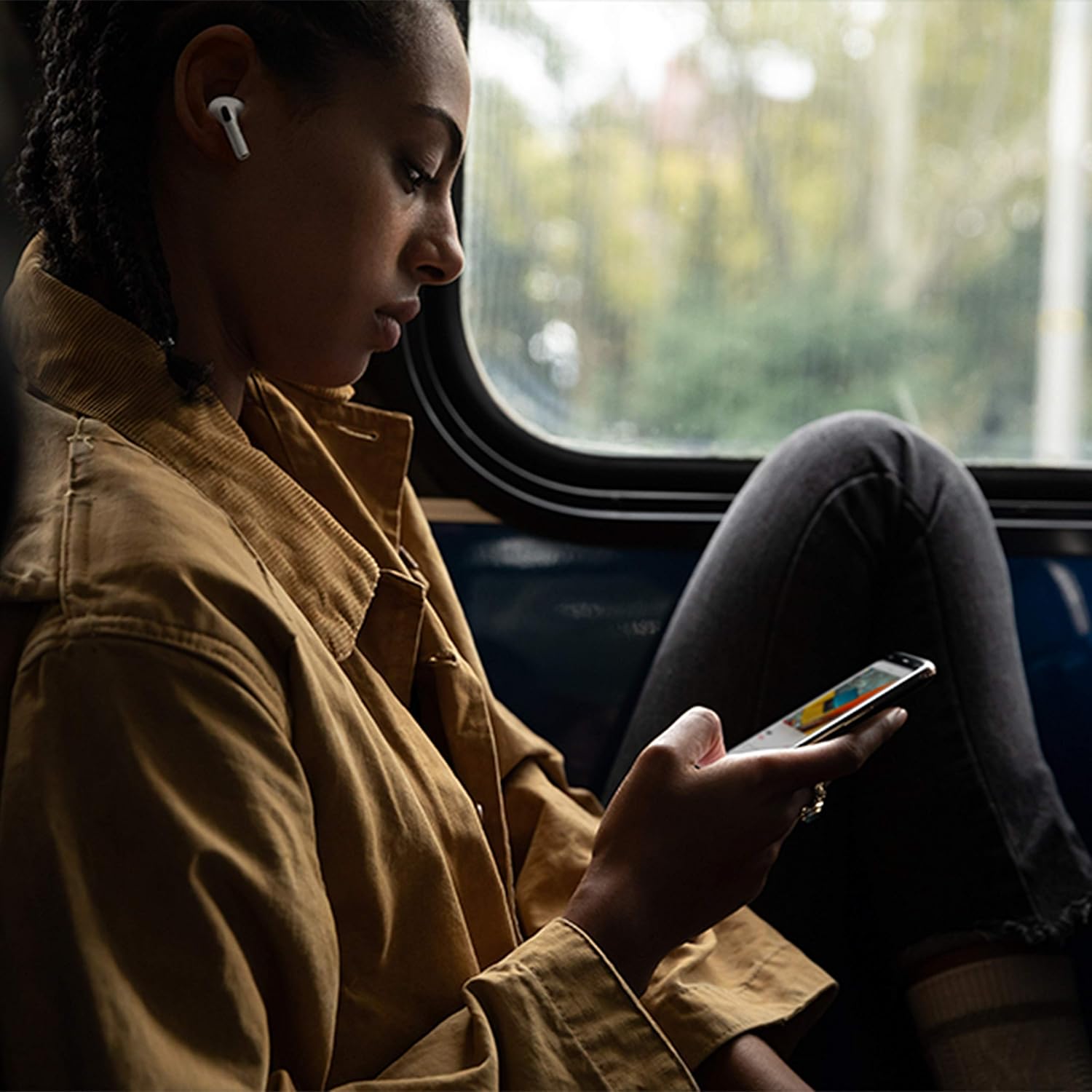
Image: Apple AirPods Pro earbuds inside their wireless charging case, with the status indicator light visible.
Before first use, ensure your AirPods Pro and their charging case are fully charged. Connect the Lightning to USB-C cable to the charging case and a power adapter, or place the case on a Qi-certified wireless charging mat.
1.2 الاقتران بجهازك
To pair your AirPods Pro with an Apple device:
- Ensure your Apple device (iPhone, iPad, or iPod touch) is running the latest iOS version.
- Unlock your device and go to the Home screen.
- Open the charging case lid with your AirPods Pro inside, and hold it near your device.
- ستظهر رسوم متحركة للإعداد على شاشة جهازك. اتبع التعليمات التي تظهر على الشاشة.
- Once connected, your AirPods Pro will automatically pair with all supported devices signed in to your iCloud account.
To pair with a non-Apple device (e.g., Android phone):
- ضع سماعات AirPods Pro الخاصة بك في علبة الشحن، ثم افتح الغطاء.
- اضغط مع الاستمرار على زر الإعداد الموجود في الجزء الخلفي من العلبة حتى يومض مصباح الحالة باللون الأبيض.
- On your device, go to Bluetooth settings and select "AirPods Pro" from the list of available devices.
1.3 إيجاد أفضل ما يناسبك
Achieving the right fit is crucial for optimal sound quality and Active Noise Cancellation. Your AirPods Pro come with small, medium, and large silicone ear tips.

الصورة: عن قرب view of two individual Apple AirPods Pro earbuds, highlighting the silicone ear tips.
- Try each size of ear tip to find the ones that provide the best seal and comfort.
- على جهاز iPhone الخاص بك، انتقل إلى الإعدادات > البلوتوث, tap the "i" icon next to your AirPods Pro, then tap "Ear Tip Fit Test." Follow the on-screen instructions to check the seal.
2. Using Your AirPods Pro
2.1 عناصر التحكم
The force sensor on the stem of each AirPod Pro allows you to control audio playback and calls.
- اضغط مرة واحدة: Play, pause, or answer a phone call.
- اضغط مرتين: القفز إلى الأمام.
- اضغط ثلاث مرات: تخطي للخلف.
- اضغط مع الاستمرار على: قم بالتبديل بين وضع إلغاء الضوضاء النشط ووضع الشفافية.
2.2 خاصية إلغاء الضوضاء النشطة ووضع الشفافية
Your AirPods Pro offer two primary listening modes:
- إلغاء الضوضاء النشط (ANC): يحجب الأصوات الخارجية، مما يسمح لك بالتركيز على الصوت.
- وضع الشفافية: يتيح لك سماع محيطك أثناء الاستماع إلى الصوت، وهو أمر مفيد لزيادة الوعي في البيئات المزدحمة.
Switch between these modes by pressing and holding the force sensor on an AirPod stem, or via Control Center on your Apple device.
2.3 Siri Activation
Activate Siri by saying "Hey Siri" or by pressing and holding the force sensor on an AirPod stem (if configured in settings).
2.4 مقاومة الماء والعرق
AirPods Pro are sweat and water resistant for non-water sports and exercise. They are not waterproof and should not be submerged in water. Resistance may decrease as a result of normal wear.
3. الرعاية والصيانة
3.1 تنظيف سماعات AirPods Pro وعلبتها
Regularly clean your AirPods Pro and their charging case to maintain performance and hygiene.
- Wipe the AirPods and case with a soft, dry, lint-free cloth.
- Do not use abrasive materials, sprays, or solvents.
- بالنسبة لأطراف الأذن، قم بإزالتها من سماعات AirPods واشطفها بالماء. جففها جيداً قبل إعادة تركيبها.
3.2 معلومات البطارية
The AirPods Pro and charging case contain rechargeable batteries. Battery life is dependent on usage and settings. Over time, the capacity of all rechargeable batteries diminishes. To maximize battery lifespan:
- تجنب درجات الحرارة القصوى.
- قم بتخزينه في مكان بارد وجاف عند عدم استخدامه.
- Charge regularly, but avoid leaving them fully charged or fully depleted for extended periods.
4. استكشاف المشكلات الشائعة وإصلاحها
4.1 مشاكل الاتصال
If your AirPods Pro are not connecting:
- تأكد من تمكين البلوتوث على جهازك.
- Place AirPods Pro in the charging case, close the lid, wait 15 seconds, then open the lid.
- If issues persist, try resetting your AirPods Pro: With the lid open, press and hold the setup button on the back of the case for about 15 seconds until the status light flashes amber, then white. Re-pair them with your device.
4.2 مشاكل جودة الصوت
If you experience poor sound quality or ineffective noise cancellation:
- Ensure ear tips are clean and properly fitted. Perform the Ear Tip Fit Test.
- Check for debris in the speaker mesh.
- Ensure your device's volume is adjusted correctly.
4.3 مشاكل الشحن
If your AirPods Pro or case are not charging:
- Verify the Lightning cable is securely connected to both the case and the power adapter.
- If using wireless charging, ensure the case is correctly positioned on the charging mat.
- نظف منفذ الشحن الموجود على الغطاء.
5. مواصفات المنتج
| ميزة | التفاصيل |
|---|---|
| ماركة | تفاحة |
| اسم الموديل | سماعات ابل ايربودز برو |
| عامل الشكل | داخل الأذن |
| التحكم في الضوضاء | إلغاء الضوضاء النشط |
| تكنولوجيا الاتصال | بلوتوث |
| تكنولوجيا الاتصالات اللاسلكية | بلوتوث |
| لون | أبيض |
| الفئة العمرية (الوصف) | بالغ |
5.1 محتويات الصندوق
- ايربودز برو
- حافظة الشحن اللاسلكي
- Silicone Ear Tips (three sizes)
- كابل Lightning إلى USB-C
- التوثيق
6. الضمان والدعم
6.1 معلومات الضمان
Apple AirPods Pro come with a standard limited warranty. For detailed warranty terms and conditions, please refer to the documentation included with your product or visit the official Apple support webموقع.
6.2 دعم العملاء
For further assistance, technical support, or service, please visit the official Apple Support webالموقع أو اتصل بخدمة عملاء Apple مباشرة.
Ask a question about this manual
Ask about setup, troubleshooting, compatibility, parts, safety, or missing instructions. Manuals+ will review the question and use this page’s manual context to help answer it.