
መግቢያ
The HRUITU T3 Ski Helmet Speakers are designed to provide high-quality audio for skiing and snowboarding. These true wireless stereo headphones feature HDR audio technology, Bluetooth 5.3 connectivity, and a glove-friendly control button, making them suitable for integration into most audio-ready ski or snowboard helmets. This manual provides instructions for setup, operation, maintenance, and troubleshooting to ensure optimal performance and user experience.
በሣጥኑ ውስጥ ያለው
- HRUITU T3 Ski Helmet Speakers (Left and Right)
- የገመድ አልባ ባትሪ መሙያ መያዣ
- የዩኤስቢ ባትሪ መሙያ ገመድ
- የተጠቃሚ መመሪያ

Image: The HRUITU T3 Ski Helmet Speakers, charging case, and accessories laid out.
ምርት አልቋልview

Image: Close-up of the HRUITU T3 speakers highlighting the 40mm drivers and HDR Audio technology.
The HRUITU T3 speakers feature 40mm high-efficiency drivers with proprietary HDR Audio technology for enhanced sound quality, delivering deep bass, clear vocals, and detailed high-pitched instruments.

Image: A HRUITU T3 speaker shown with a ski helmet, demonstrating its compact size and how it fits into helmet ear pads.
Each speaker has a compact design (2.1 inch diameter, 0.7 inch thickness) to fit comfortably into most audio-ready ski or snowboard helmets.
ማዋቀር
1. Charging the Speakers and Case
Before first use, fully charge the speakers and the charging case.
- Place the speakers into the charging case. Ensure they are correctly seated.
- Connect the USB charging cable to the charging case and a power source.
- The indicator lights on the case will show charging status. A full charge provides up to 72 hours of battery life for the case, and 12 hours of listening time for the speakers on a single charge. A 15-minute quick charge provides up to 3 hours of listening time.
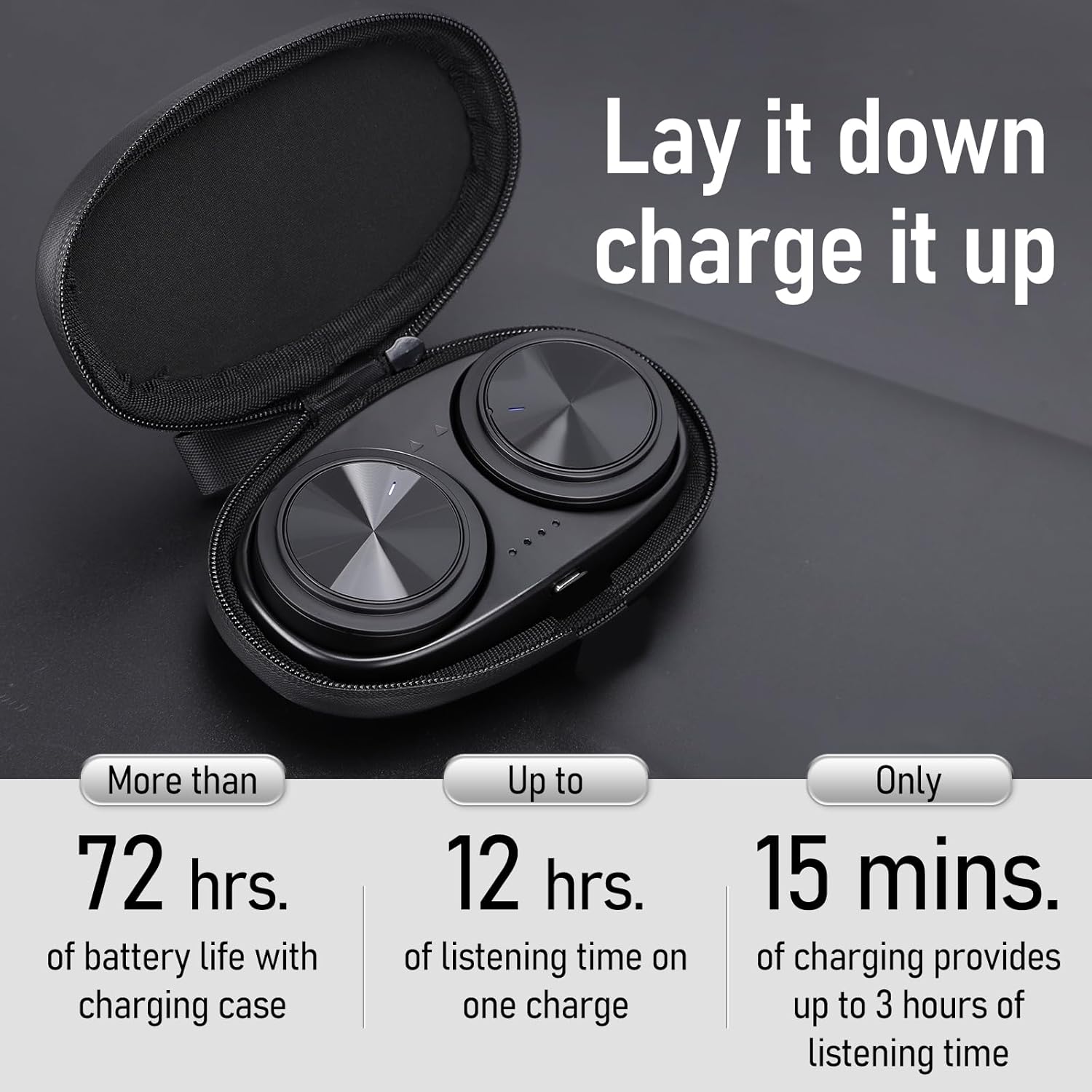
Image: The HRUITU T3 speakers nestled in their charging case, illustrating the charging process and battery life indicators.
2. የብሉቱዝ ማጣመር
The HRUITU T3 speakers use Bluetooth 5.3 for a stable and fast wireless connection.
- የመጀመሪያ ማጣመር፡ Open the charging case and remove both speakers. They will automatically enter pairing mode (indicator lights flashing).
- On your smartphone or tablet, go to Bluetooth settings and select "HRUITU T3" from the list of available devices.
- Once connected, you will hear an audio prompt, and the indicator lights will stop flashing.

Image: A smartphone displaying a successful Bluetooth connection to the HRUITU T3 speakers, with the speakers and their charging case visible.
3. Installation into Helmet
The HRUITU T3 speakers are designed for easy drop-in installation into audio-ready ski or snowboard helmets.
- Locate the audio pockets in the ear pads of your helmet.
- Gently slide each speaker into its respective pocket. Ensure the speaker with 'L' is in the left ear pad and 'R' in the right ear pad.
- Adjust the speakers for comfortable placement against your ears.
Video: This video demonstrates the simple process of installing the HRUITU T3 Ski Helmet Speakers into the ear pads of a compatible ski helmet.
የአሠራር መመሪያዎች
1. ማብራት / ማጥፋት
- አብራ፡ The speakers automatically power on when removed from the charging case.
- ኃይል ዝጋ: Place the speakers back into the charging case to power them off automatically. Alternatively, press and hold the control button on either speaker for approximately 5 seconds until you hear a power-off prompt.
2. የሙዚቃ መልሶ ማጫወት
The control buttons on the speakers allow for easy management of your music.
- አጫውት/ ለአፍታ አቁም፡ Single press the control button on either speaker.
- ቀጣይ ትራክ፡ Double press the control button on the right speaker.
- ቀዳሚ ትራክ Double press the control button on the left speaker.
- ድምጽ ጨምር Triple press the control button on the right speaker.
- ጥራዝ ታች Triple press the control button on the left speaker.
3. የጥሪ አስተዳደር
Manage incoming calls directly from your helmet speakers.
- መልስ/ጥሪ ጨርስ፡ Single press the control button on either speaker.
- ጥሪን ውድቅ አድርግ፡ Press and hold the control button on either speaker for 2 seconds.
4. የድምጽ ረዳት (Siri/Google Assistant)
Activate your device's voice assistant for hands-free control.
- የድምፅ ረዳት አግብር Triple press the control button on either the left or right speaker.

Image: An illustration detailing the various functions of the speaker control buttons, including call handling, music playback, and voice assistant activation.
5. Glove-Friendly Button
The control buttons are designed to be easily operable even when wearing ski gloves, ensuring seamless control without needing to remove your hands from your helmet.
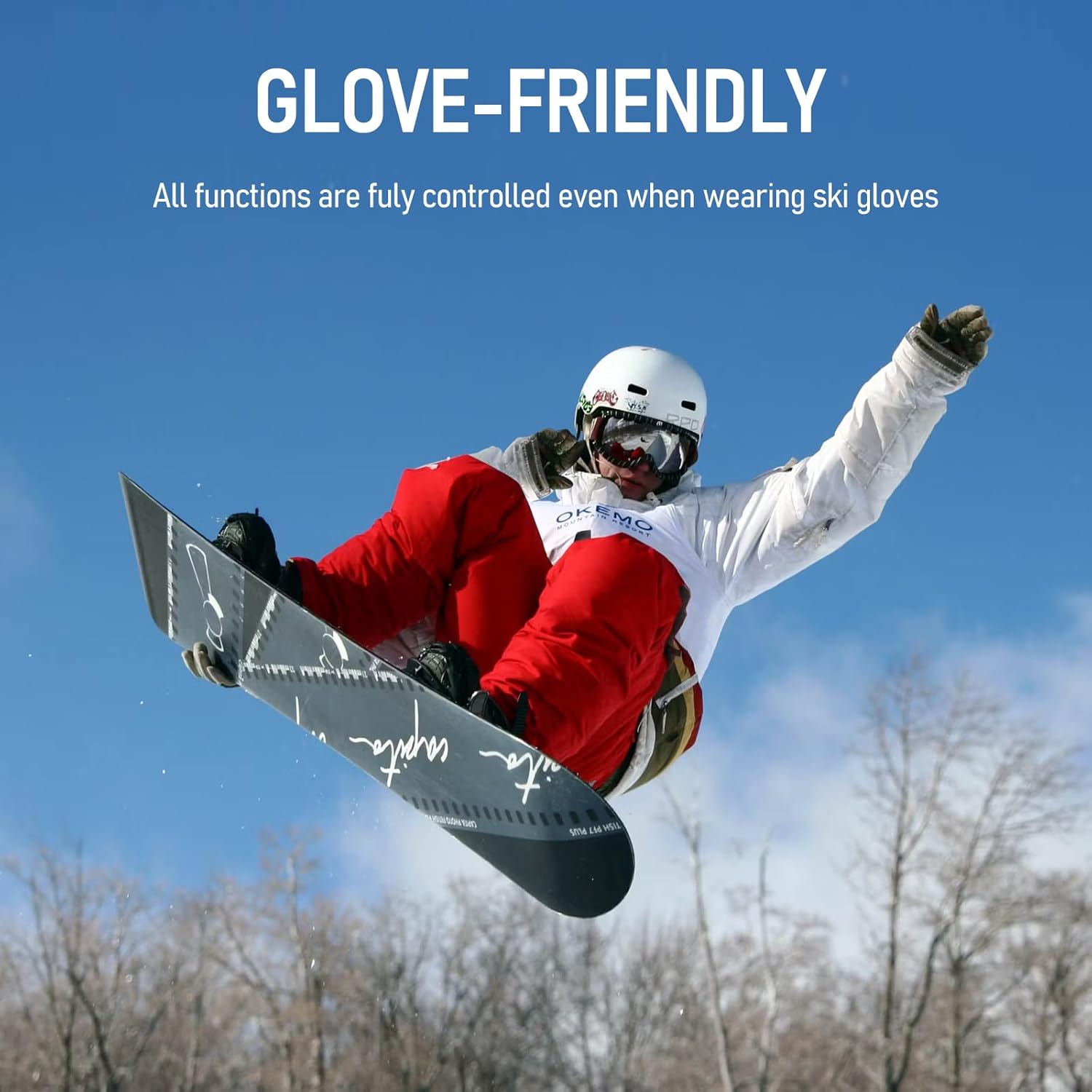
Image: A snowboarder demonstrating the ease of using the glove-friendly control button on the HRUITU T3 speakers while wearing ski gloves.
ጥገና
1. ማጽዳት
- Wipe the speakers and charging case with a soft, dry cloth.
- ገላጭ ማጽጃዎችን ወይም ፈሳሾችን አይጠቀሙ.
2. ማከማቻ
- Store the speakers in their charging case when not in use to protect them and keep them charged.
- ከፀሀይ ብርሀን እና ከከፍተኛ ሙቀት ርቆ በቀዝቃዛና ደረቅ ቦታ ያከማቹ።
3. የውሃ መቋቋም
The HRUITU T3 speakers are water-resistant, designed to withstand splashes and sweat. However, they are not intended for submersion in water. Ensure the charging port is dry before charging.
መላ መፈለግ
| ችግር | ሊሆን የሚችል ምክንያት | መፍትሄ |
|---|---|---|
| Only one speaker connects or plays audio. | Speakers are in non-TWS (True Wireless Stereo) mode. | Place both speakers back into the charging case, then remove them again. This should reset them to TWS mode. If the issue persists, press and hold the power button for 5 seconds during startup to enter non-TWS mode, then repeat the reset process. |
| Speakers do not pair with device. | Bluetooth is off on device, speakers are out of range, or battery is low. | Ensure Bluetooth is enabled on your device. Move speakers closer to your device. Charge the speakers and charging case. Try forgetting the device in your Bluetooth settings and re-pairing. |
| Low sound volume or poor quality. | Volume too low on device/speakers, improper helmet fit, or environmental noise. | Increase volume on both your device and the speakers. Adjust speaker placement within the helmet for optimal sound. The HDR audio technology helps combat wind noise, but extreme conditions may still affect perception. |
| Charging case not charging speakers. | Speakers not properly seated, case battery low, or cable issue. | Ensure speakers are correctly placed in the case. Charge the charging case. Try a different USB cable and power adapter. |

Image: A diagram illustrating common pairing issues and their solutions, specifically for when only one speaker connects.
ዝርዝሮች
| ባህሪ | ዝርዝር |
|---|---|
| የሞዴል ስም | HRUITU Skiing Wireless Bluetooth Headphone T3 |
| የግንኙነት ቴክኖሎጂ | ብሉቱዝ 5.3, ገመድ አልባ |
| የድምጽ ሾፌር ዓይነት | ተለዋዋጭ ሾፌር (40 ሚሜ) |
| Battery Life (Speakers) | እስከ 12 ሰአታት የማዳመጥ ጊዜ |
| የኃይል መሙያ መያዣ የባትሪ ዕድሜ | Up to 72 hours additional listening time |
| ፈጣን ክፍያ | 15 minutes for up to 3 hours listening time |
| የብሉቱዝ ክልል | እስከ 15 ሜትር (50 ጫማ) |
| የውሃ መቋቋም ደረጃ | የውሃ መቋቋም (IPX4) |
| የመቆጣጠሪያ ዘዴ | Push Button (Glove-Friendly) |
| ልዩ ባህሪያት | Proprietary HDR Audio Tech, Built-in Mic |
| ቁሳቁስ | Acrylonitrile Butadiene Styrene (ABS), Polyurethane (PU) |
| መጠኖች (በአንድ ተናጋሪ) | Approx. 2.1 inch (52.5mm) diameter, 0.7 inch (16.0mm) thickness |
| ክብደት | 10.5 አውንስ (ጠቅላላ ጥቅል) |
ዋስትና እና ድጋፍ
For warranty information and customer support, please refer to the contact details provided with your purchase or visit the official HRUITU webጣቢያ. ለዋስትና ጥያቄዎች የግዢ ማረጋገጫዎን ያስቀምጡ።