
1. መግቢያ
Welcome to the Nokia T10 Wi-Fi Tablet user manual. This guide provides essential information to help you set up, operate, maintain, and troubleshoot your new device. The Nokia T10 is an 8-inch HD Android 12 tablet designed for everyday use, offering a balance of performance and portability.
Please read this manual carefully to ensure proper use and to maximize the lifespan of your tablet.
2. በሳጥኑ ውስጥ ያለው
Upon unboxing your Nokia T10 tablet, please verify that all the following items are included:
- Nokia T10 Tablet Device
- ዓይነት-ሲ ዩኤስቢ ገመድ
- ኃይል መሙያ
- የፈጣን ጅምር መመሪያ (QSG)
- የደህንነት መጽሐፍ
- User Guide Band
- Plastic Bag (packaging material)
If any items are missing or damaged, please contact your retailer or Nokia customer support immediately.
3. ማዋቀር
3.1 ጡባዊውን መሙላት
Before first use, fully charge your Nokia T10 tablet. Connect the provided Type-C USB cable to the tablet's charging port and the other end to the charger. Plug the charger into a power outlet. The battery indicator on the screen will show the charging status.
3.2 ማብራት / ማጥፋት
- ለማብራት፡- Press and hold the Power button until the Nokia logo appears.
- ለማጥፋት፡- የኃይል አማራጮቹ በማያ ገጹ ላይ እስኪታዩ ድረስ የኃይል አዝራሩን ተጭነው ይያዙ። "ፓወር አጥፋ" የሚለውን ይምረጡ እና ያረጋግጡ።
- ዳግም ለመጀመር፡- Press and hold the Power button until the power options appear. Select "Restart" and confirm.
3.3 የመጀመሪያ ማዋቀር
When you power on your tablet for the first time, you will be guided through an initial setup process:
- የቋንቋ ምርጫ፡- የእርስዎን ተወዳጅ ቋንቋ ይምረጡ።
- የWi-Fi ግንኙነት፡- Connect to a Wi-Fi network to access the internet. This is crucial for downloading updates and setting up your Google account.
- ጎግል መለያ፡- Sign in with your existing Google account or create a new one. This is necessary for accessing the Google Play Store, Gmail, and other Google services.
- ቀን እና ሰዓት ትክክለኛውን ቀን እና ሰዓት ያቀናብሩ ወይም አውታረ መረቡ በራስ-ሰር እንዲያዘጋጅ ይፍቀዱለት።
- ደህንነት፡ Set up a screen lock (PIN, pattern, password) and consider enabling AI Face Unlock for convenient access.
3.4 የማይክሮ ኤስዲ ካርድ ማስገባት
The Nokia T10 supports expandable storage via a MicroSD card. Locate the SIM/SD card tray on the side of the tablet. Use the provided SIM ejector tool to open the tray. Carefully place the MicroSD card into the designated slot with the gold contacts facing down, then reinsert the tray firmly.
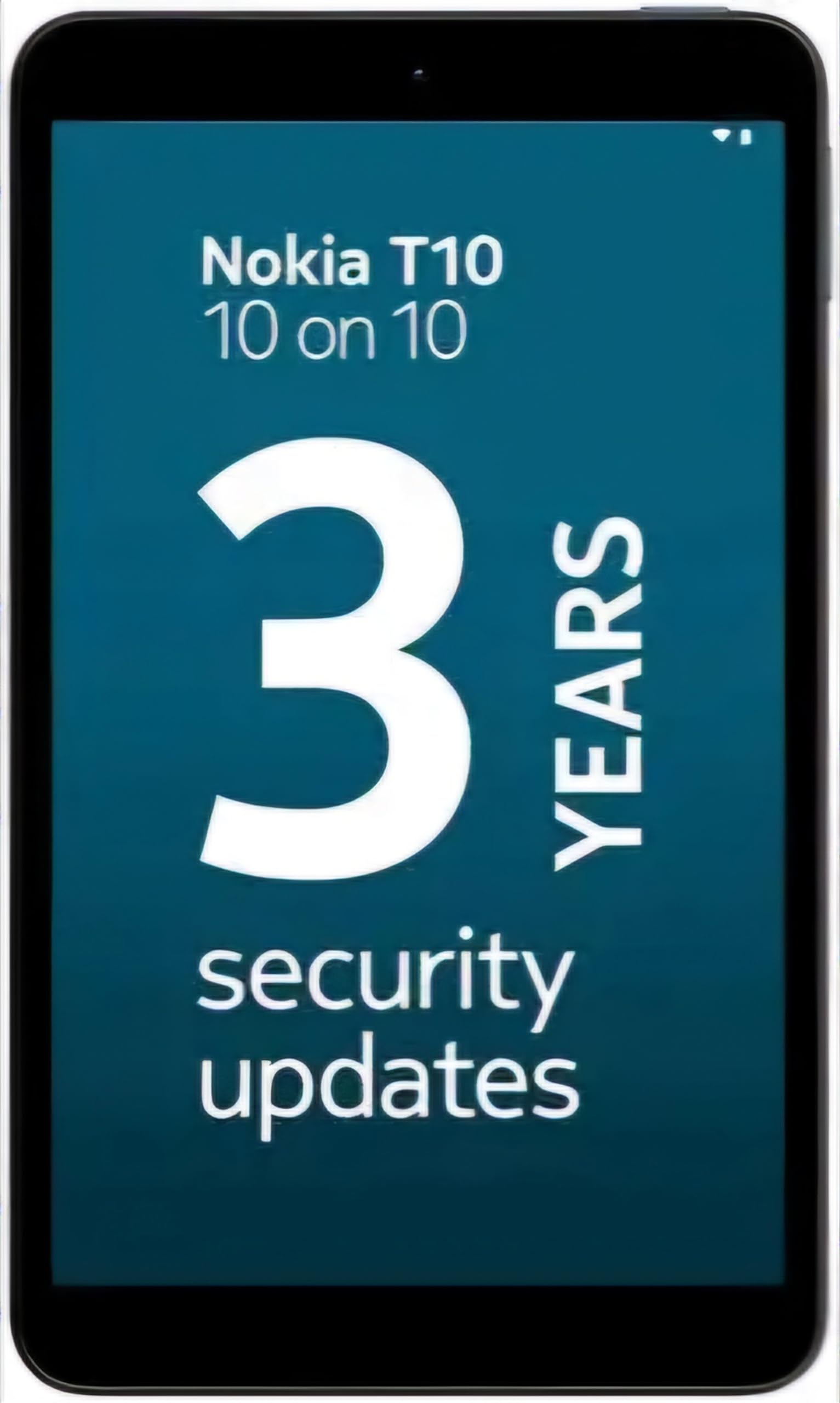
Image: Nokia T10 tablet, showcasing its sleek design and the rear camera module.
4. የአሠራር መመሪያዎች
4.1 ማሳያ እና አሰሳ
The Nokia T10 features an 8-inch HD display (1280x800 pixels). Navigate the interface using touch gestures:
- መታ ያድርጉ፡ አንድ ንጥል ይምረጡ ወይም መተግበሪያ ይክፈቱ።
- ያንሸራትቱ በስክሪኖች፣ ዝርዝሮች ወይም ይዘቶች ውስጥ ይሸብልሉ።
- መቆንጠጥ-ለማጉላት፡ ፎቶዎችን አሳንስ ወይም አሳንስ እና web ገጾች.
- ሎንግ ፕሬስ የአውድ ምናሌዎችን ይድረሱ ወይም የመተግበሪያ አዶዎችን ያንቀሳቅሱ።
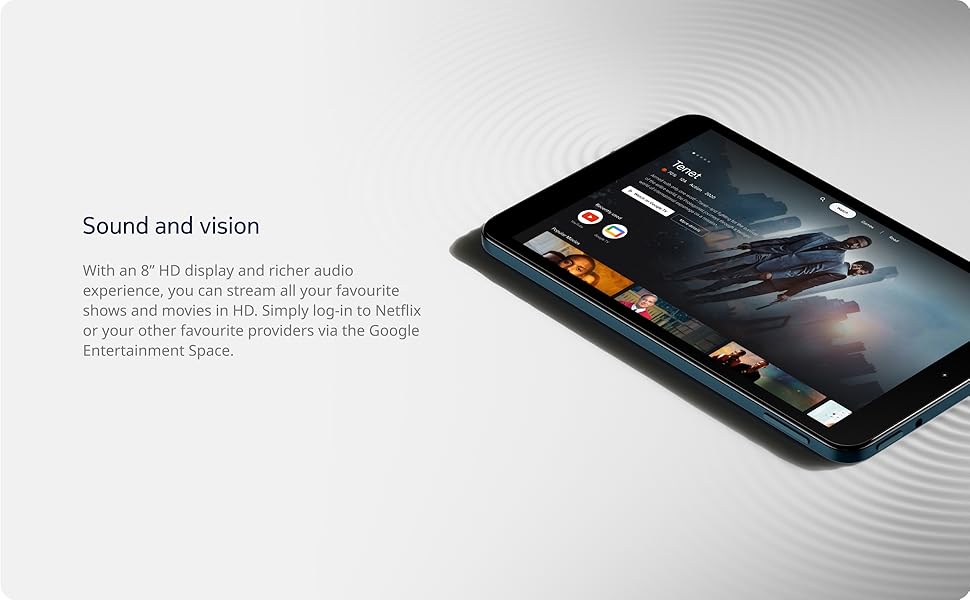
Image: The Nokia T10 tablet showcasing its 8-inch HD display with streaming video content.
4.2 የካሜራ ተግባራት
Your tablet is equipped with an 8MP rear camera with autofocus and flash, and a 2MP front camera.
- ፎቶ ማንሳት የካሜራ መተግበሪያውን ይክፈቱ፣ የእርስዎን ቀረጻ ፍሬም ያድርጉ እና የመዝጊያ አዝራሩን ይንኩ።
- ቪዲዮዎችን መቅዳት Switch to video mode in the Camera app and tap the record button to start/stop. The tablet supports FHD 1080p video capture.
- የፊት ካሜራ፡ Tap the camera switch icon to use the front camera for selfies or video calls.

Image: A Nokia T10 tablet displaying a video call, highlighting its front camera functionality.
4.3 የባትሪ አስተዳደር
The Nokia T10 has a 5250 mAh battery designed for all-day use. To optimize battery life:
- የስክሪን ብሩህነት ቀንስ።
- በማይጠቀሙበት ጊዜ Wi-Fi እና ብሉቱዝን ያጥፉ።
- የጀርባ መተግበሪያዎችን ዝጋ።
- Enable battery saver mode in Settings.
4.4 ግንኙነት
- ዋይ ፋይ፡ Connect to wireless networks via Settings > Network & internet > Wi-Fi. The tablet supports 802.11a/b/g/n/ac standards.
- ብሉቱዝ፡ Pair with Bluetooth devices (headphones, speakers) via Settings > Connected devices > Bluetooth. The tablet features Bluetooth 5.0.
- የዩኤስቢ ዓይነት-C፡ ለኃይል መሙያ እና የውሂብ ማስተላለፍ የዩኤስቢ-ሲ ወደብ ይጠቀሙ።
4.5 AI Face Unlock
For quick and secure access, set up AI Face Unlock:
- Go to Settings > Security > Face unlock.
- ፊትዎን ለመመዝገብ በስክሪኑ ላይ ያሉትን መመሪያዎች ይከተሉ።
- Ensure you are in a well-lit environment during setup and use.
4.6 ሶፍትዌር እና ዝማኔዎች
The Nokia T10 runs on Android 12. Nokia provides 2 years of OS updates and 3 years of monthly security updates to keep your device secure and up-to-date. You will receive notifications when updates are available. It is recommended to install updates over a Wi-Fi connection.
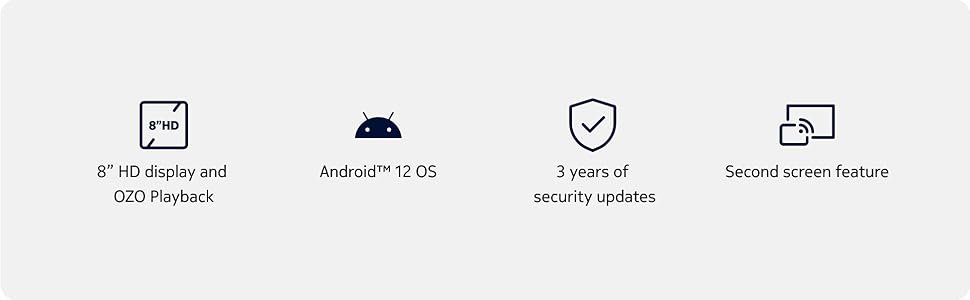
Image: Visual representation of Nokia T10 features including Android 12 OS and 3 years of security updates.
5. ጥገና
5.1 ጡባዊዎን ማጽዳት
- ማያ ገጹን እና ገላውን ለማፅዳት ለስላሳ ፣ ከጥጥ ነፃ የሆነ ጨርቅ ይጠቀሙ።
- ኃይለኛ ኬሚካሎችን፣ ገላጭ ማጽጃዎችን ወይም ኤሮሶልን የሚረጩ ነገሮችን ከመጠቀም ይቆጠቡ።
- Do not expose the tablet to excessive moisture.
5.2 የሶፍትዌር ዝመናዎች
ጥሩ አፈጻጸም እና ደህንነት ለማረጋገጥ የሶፍትዌር ዝመናዎችን በመደበኛነት ይፈትሹ እና ይጫኑ። ወደ ቅንብሮች > ስርዓት > የስርዓት ዝመና ይሂዱ።
5.3 የማከማቻ አስተዳደር
To maintain performance, periodically manage your tablet's storage:
- አላስፈላጊ መተግበሪያዎችን እና መተግበሪያዎችን ይሰርዙ files.
- ትልቅ ተንቀሳቀስ files (photos, videos) to a MicroSD card or cloud storage.
- Clear app cache regularly via Settings > Apps > [App Name] > Storage & cache.
6. መላ መፈለግ
If you encounter issues with your Nokia T10 tablet, try the following solutions:
| ችግር | መፍትሄ |
|---|---|
| ጡባዊው አይበራም። | ባትሪው መሙላቱን ያረጋግጡ። ባትሪ መሙያውን ያገናኙ እና እንደገና ለማብራት ከመሞከርዎ በፊት ጥቂት ደቂቃዎችን ይጠብቁ። |
| የWi-Fi ግንኙነት ችግሮች | Restart your Wi-Fi router. Go to Settings > Network & internet > Wi-Fi, turn Wi-Fi off and then on again. Forget the network and reconnect. |
| ዘገምተኛ አፈጻጸም | Close unused apps. Clear app caches. Restart the tablet. Check for available software updates. |
| መተግበሪያዎች እየተበላሹ ወይም እየቀዘቀዙ | Force stop the app (Settings > Apps > [App Name] > Force stop). Clear the app's cache and data. Reinstall the app. |
| ባትሪ በፍጥነት ይጠፋል | Reduce screen brightness. Disable unnecessary features like GPS, Bluetooth, and Wi-Fi when not in use. Check battery usage in Settings to identify power-hungry apps. |
If the problem persists after trying these steps, please contact Nokia customer support.
7. ዝርዝሮች
Below are the key technical specifications for the Nokia T10 Wi-Fi Tablet:
- የሞዴል ስም፡- Nokia T10 TA-1472 WIFI 3/32
- ስርዓተ ክወና፡ አንድሮይድ 12
- ፕሮሰሰር፡ ዩኒሶክ ቲ606 (ኦክታ-ኮር፣ 1.6 ጊኸ)
- ግራፊክስ አስተባባሪ፡ ማሊ-ጂ57
- RAM፡ 3 ጊባ
- የውስጥ ማከማቻ፡ 32 ጊባ
- ሊሰፋ የሚችል ማከማቻ፡ Yes, via MicroSD card (up to 512GB, sold separately)
- ማሳያ፡- 8-inch HD (1280 x 800 pixels) TFT, 16:10 aspect ratio
- የኋላ ካሜራ; 8 MP with AF and Flash
- የፊት ካሜራ፡ 2 ሜፒ
- የቪዲዮ ቀረጻ ጥራት፡ FHD 1080p at 30 fps
- ባትሪ፡ 5250 ሚአሰ ሊቲየም ፖሊመር
- ግንኙነት፡ Wi-Fi (802.11a/b/g/n/ac), Bluetooth 5.0, USB Type-C, 3.5mm Audio Jack
- የደህንነት ባህሪያት: AI የፊት ማስከፈት
- ኦዲዮ፡ Stereo Speakers, OZO Playback
- Dimensions (L x W x Thickness): 20.8L x 12.3W x 0.9Th Centimeters
- ክብደት፡ 375 ግራም
- ቀለም፡ ሰማያዊ
8. የዋስትና መረጃ
The Nokia T10 tablet comes with a የ 1 ዓመት የአምራች ዋስትና for the device and battery from the date of purchase. In-box accessories are covered by a የ 6 ወር የአምራች ዋስትና from the date of purchase. Please retain your proof of purchase for warranty claims. For detailed terms and conditions, refer to the warranty card included in your product packaging or visit the official Nokia support webጣቢያ.
9. ድጋፍ
For further assistance, technical support, or to find service centers, please visit the official Nokia support website or contact their customer service. You can typically find support contact information on the Nokia website or in the safety booklet provided with your tablet.
የመስመር ላይ ድጋፍ የኖኪያ ድጋፍ Webጣቢያ


