
1. Introduction
The Logitech Unifying USB Receiver is a compact wireless receiver designed to connect multiple compatible Logitech devices to your computer. With a single Unifying receiver, you can connect up to six Logitech Unifying-compatible mice and keyboards, freeing up valuable USB ports and simplifying your workspace. This receiver utilizes advanced 2.4 GHz wireless technology to provide a reliable and stable connection.

Image 1.1: The Logitech Unifying USB Receiver.
2. Setup
- Insert the Receiver: Plug the Logitech Unifying USB Receiver into an available USB port on your computer (PC, Mac, or laptop).
- Install Software: Download and install the Logitech Unifying Software from the official Logitech website. This software is essential for pairing and managing your devices.
- Pair Your Devices: Open the Logitech Unifying Software. Follow the on-screen instructions to turn on your Logitech Unifying-compatible mouse or keyboard and pair it with the receiver. You may be asked to turn the device off and on again, or to type a specific sequence to confirm pairing.
- Connect Additional Devices: Repeat the pairing process for up to six compatible Logitech devices using the same Unifying receiver.
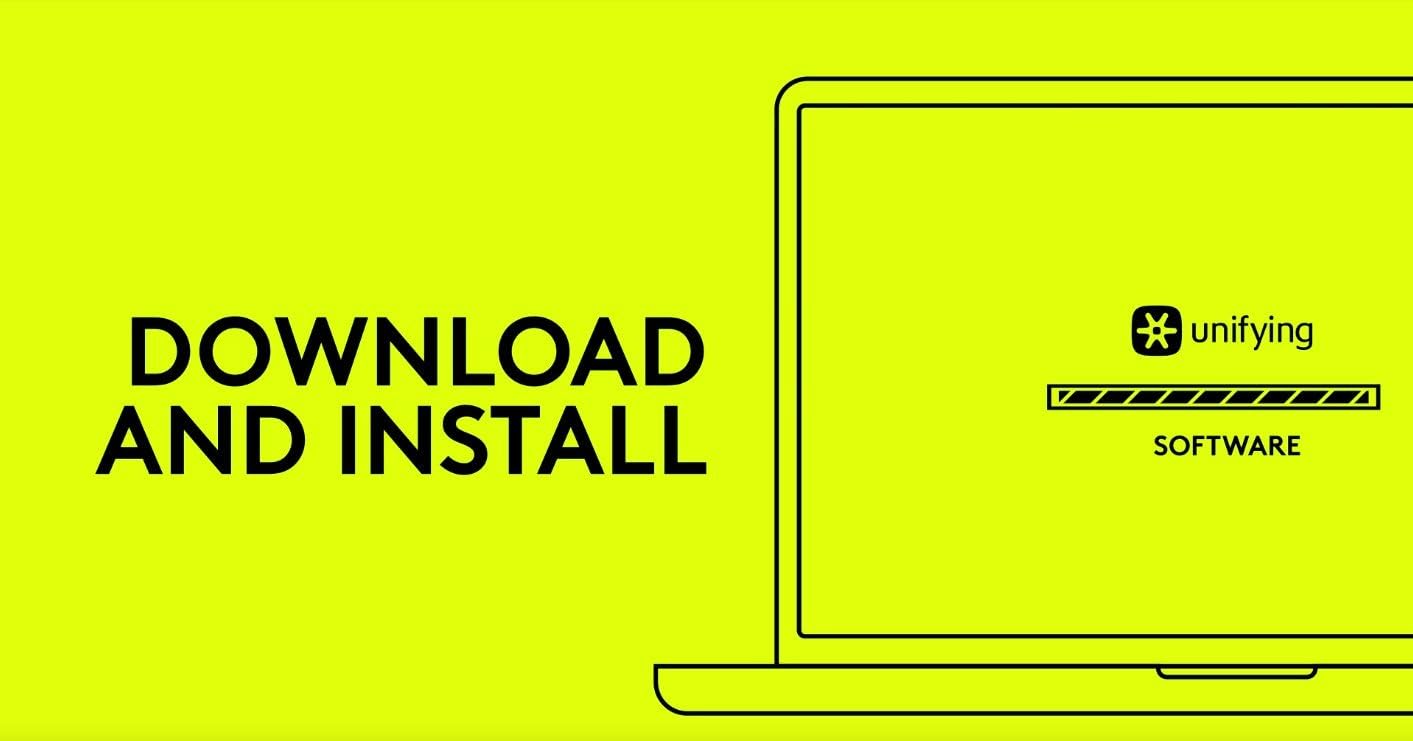
Image 2.1: Prompt to download and install the Logitech Unifying Software.

Image 2.2: The Unifying receiver can connect up to six compatible devices simultaneously.

Image 2.3: The Unifying receiver in a typical usage scenario with a laptop and desktop setup.
3. Operating Instructions
Once paired, your Logitech devices will automatically connect to the Unifying receiver when they are turned on and within range. The 2.4 GHz wireless technology provides a robust connection with a typical operating range of up to 10 meters (33 feet).
- Device Management: Use the Logitech Unifying Software to view connected devices, unpair devices, or add new ones.
- Portability: The receiver's small size allows it to remain plugged into your laptop even when on the go, minimizing the risk of loss.

Image 3.1: The Unifying receiver offers a wireless range of up to 10 meters.
4. Maintenance
The Logitech Unifying USB Receiver requires minimal maintenance. To ensure optimal performance and longevity:
- Cleaning: Use a soft, dry cloth to gently wipe the receiver if it accumulates dust. Avoid using liquid cleaners or abrasive materials.
- Storage: When not in use, store the receiver in a clean, dry environment. If transporting a laptop, it is generally safe to leave the mini-receiver plugged in.
- Environmental Conditions: Avoid exposing the receiver to extreme temperatures, direct sunlight, or high humidity.
5. Troubleshooting
- Device Not Connecting:
- Ensure the receiver is securely plugged into a working USB port.
- Verify that your Logitech device is turned on and has fresh batteries (if applicable).
- Confirm that your device is Unifying-compatible (look for the orange star logo).
- Run the Logitech Unifying Software and attempt to re-pair the device.
- Intermittent Connection or Lag:
- Move the device closer to the receiver. The maximum range is 10 meters, but obstacles can reduce this.
- Avoid placing the receiver near other wireless devices or large metal objects that could cause interference.
- Try plugging the receiver into a different USB port, preferably one on the front of your computer if using a desktop.
- Software Not Detecting Receiver:
- Ensure the Logitech Unifying Software is installed correctly and is the latest version.
- Restart your computer.
- Try plugging the receiver into a different USB port.
6. Specifications
| Feature | Detail |
|---|---|
| Model Number | 910-005236 |
| Dimensions (H x W x D) | 1.5 cm x 0.9 cm x 0.6 cm (0.6 in x 0.35 in x 0.24 in) |
| Weight | 1.23 Grams (0.04 oz) |
| Interface | USB |
| Wireless Technology | 2.4 GHz |
| Compatible Operating Systems | Windows, Mac OS, Linux |
| Maximum Devices per Receiver | 6 |
| Color | Black |

Image 6.1: Detailed dimensions of the Logitech Unifying USB Receiver.

Image 6.2: Size comparison of the Unifying receiver, demonstrating its low profile when inserted into a USB port.
7. Warranty Information
This Logitech Unifying USB Receiver comes with a two-year limited hardware warranty from the date of purchase. This warranty covers defects in materials and workmanship under normal use. For full terms and conditions, please refer to the warranty documentation provided with your product or visit the official Logitech website.
8. Support
For further assistance, technical support, software downloads, and frequently asked questions, please visit the official Logitech support website:
You can also find detailed product information and community forums on the Logitech website.