
4O3A B2BCD Decoder Windows Application User Guide
B2BCD Firmware Update Guide
Firmware version 1.5.0.
Download the latest B2BCD utility found on the website, under Other Devices – B2BCD: https://4o3a.com/support/downloads

Install the application, connect your B2BCD to your PC via USB and connect using the B2BCD Utility.
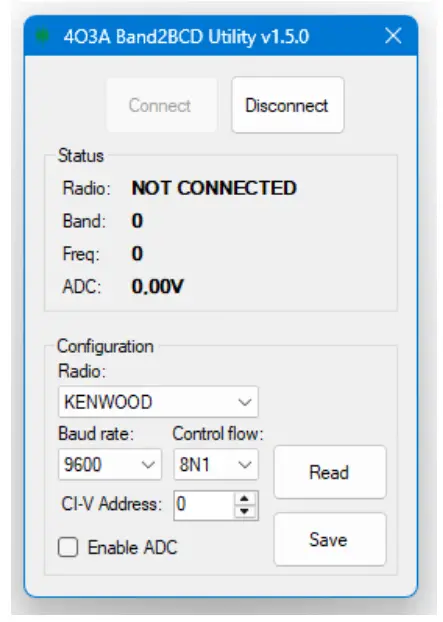
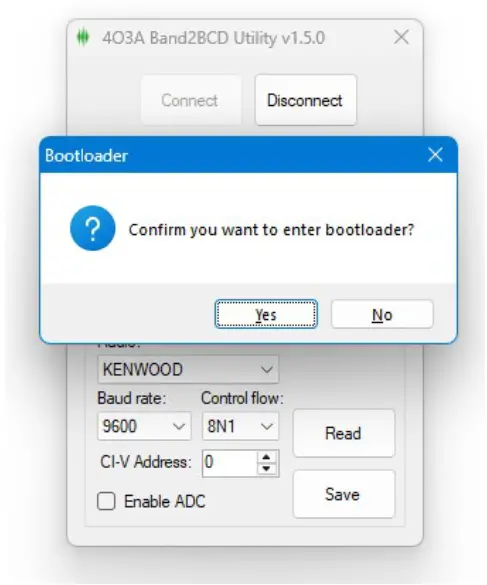
In order to upgrade the firmware on the device you need to enter the bootloader mode. While focusing the utility, hold Ctrl + Alt + B. Confirm entering the bootloader mode.
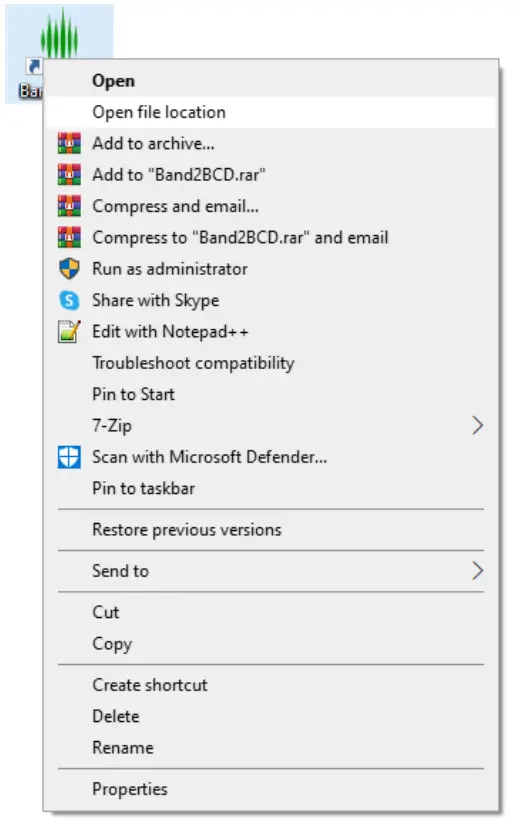
Right click on your Band2BCD icon and select Open File Location.
In the same folder where the B2BCD Utility is installed you will find Band2BCD_USBBootloader.zip

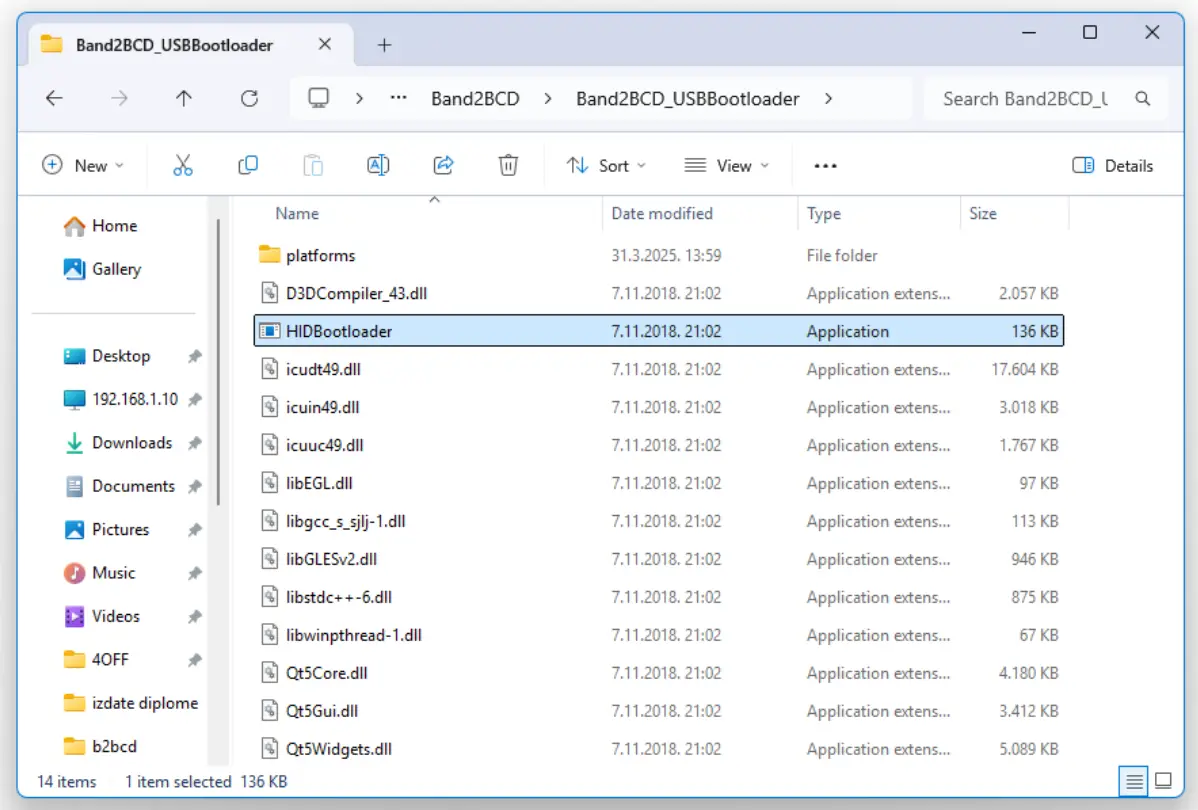
Extract this zip and and it will create a new folder. run the HIDBootloader.exe
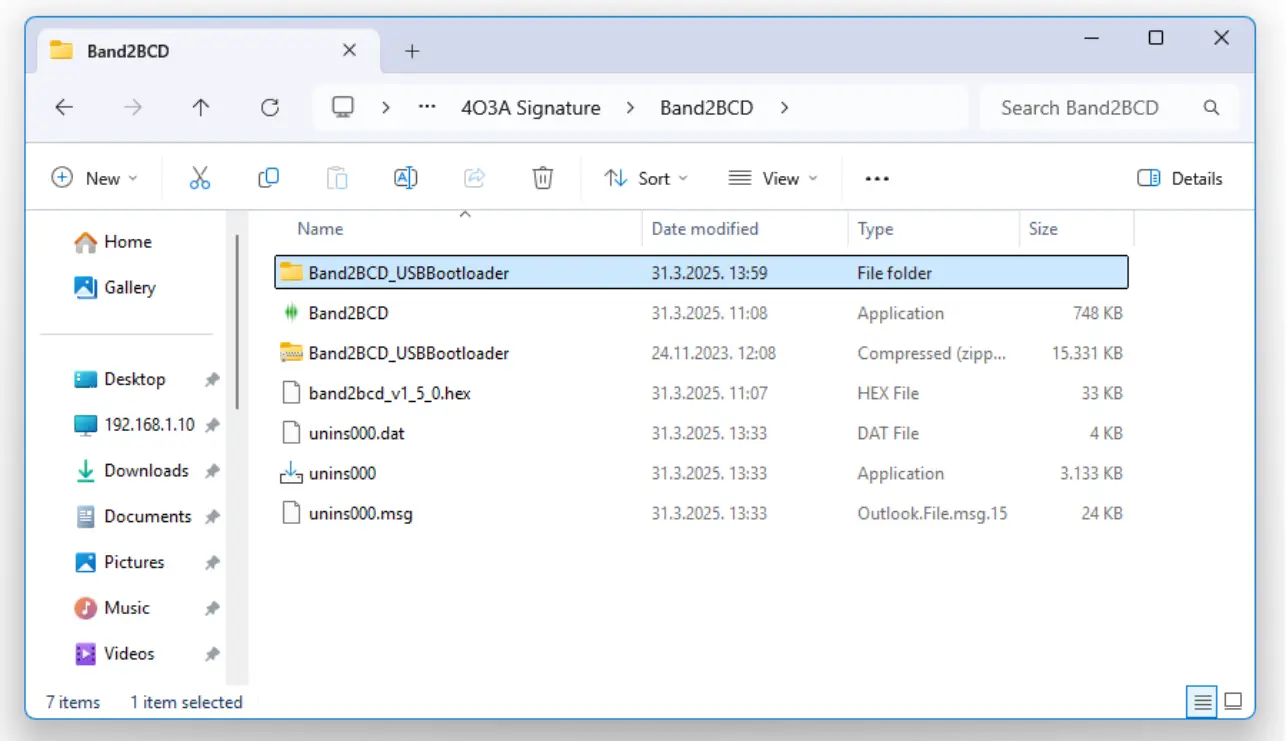
Run the HIDBootloader.exe
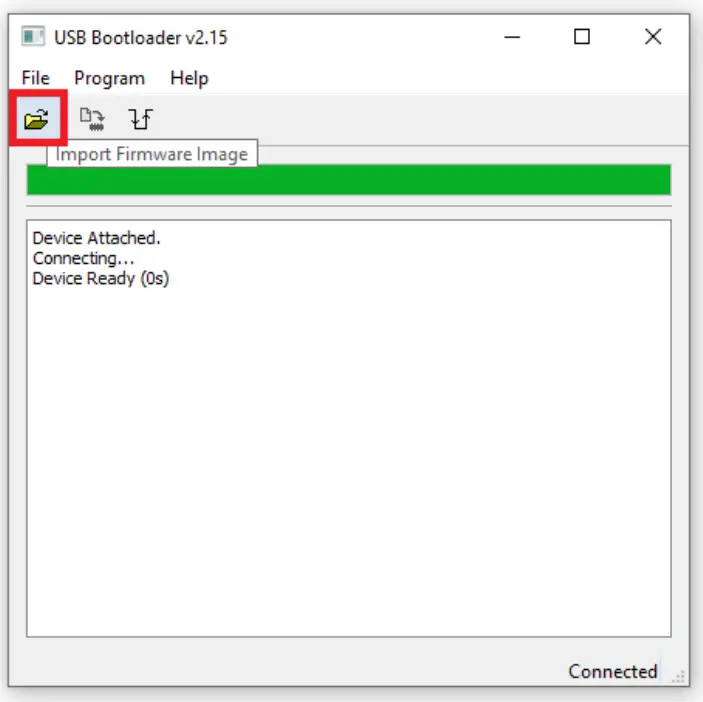
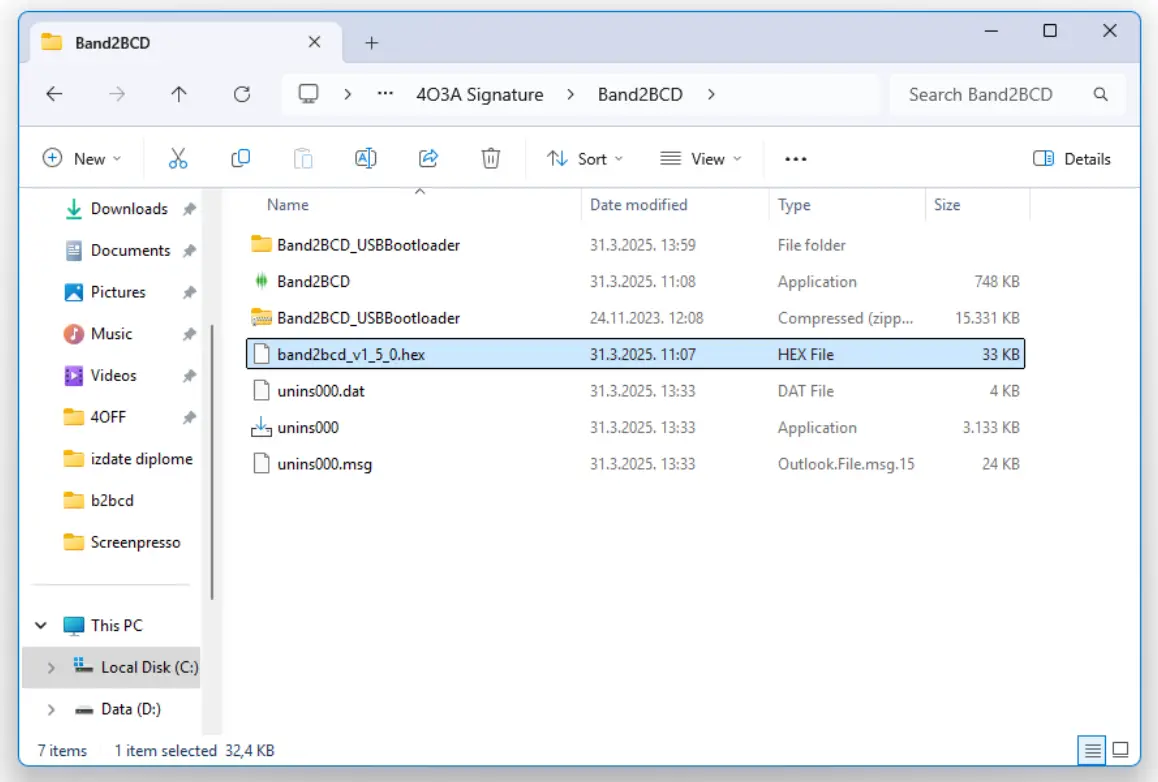
Click on the Open Firmware Image button and load the new firmware image. The version of the firmware must match your app version, in this case band2bcd_v1_5_0.hex
The default file path is C:\Program Files (x86)\4O3A Signature\Band2BCD
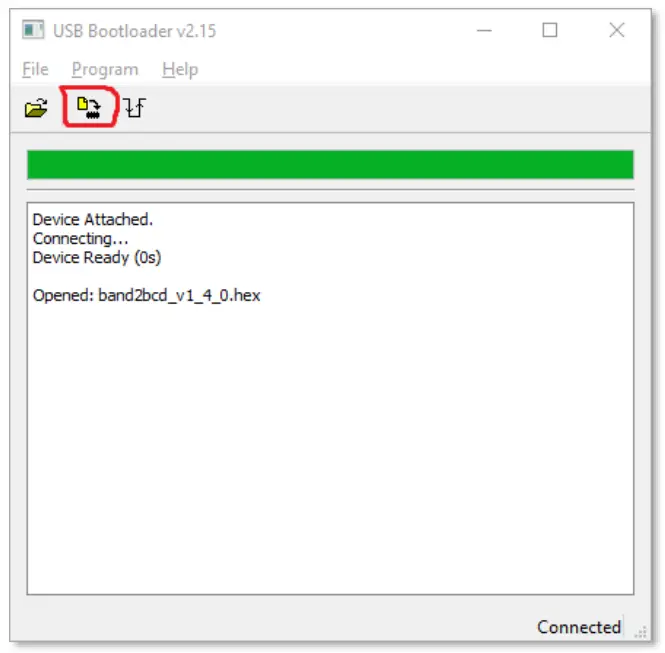
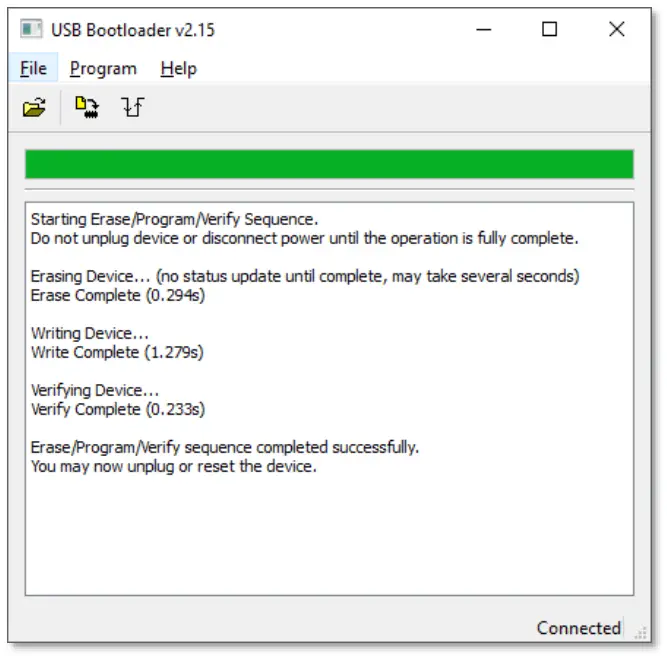
Click the Erase/Program/Verify Device and wait for the process to end.
After installing the new firmware, power cycle the device by unplugging and plugging in the power connector.
Documents / Resources
 | B2BCD Decoder Windows Application |
References
- 4o3a.com/support/downloads4o3a.com
- User Manualmanual.tools